Microsoft Security • Identity • Entra ID • Conditional Access

Identity & Access

Most breaches do not start with noisy malware. They start with identity. This page focuses on how GEMXIT helps organisations reduce risk across Microsoft Entra ID, MFA, Conditional Access, privileged access, and the identity weaknesses attackers quietly exploit every day.

Microsoft identity and access security
What this solves

Identity is now the real perimeter. The goal is not just to turn on MFA, but to make access decisions stronger, cleaner, and harder to bypass.

MFA coverage and exclusions
Conditional Access and policy sprawl
Privileged role hardening

Common identity issues we fix

The biggest risk is often not missing controls. It is assuming they are already covering everything.
MFA was enabled… but not everywherePrivileged roles, break-glass accounts, legacy protocols, or service access still sit outside the protection pattern.
Conditional Access became messyPolicies were added over time, exceptions grew, and nobody is confident which users and apps are really protected.
Admin access is broader than it should bePermanent roles, poor role hygiene, and too many standing permissions leave identity exposed long after the original need passed.

Why Microsoft’s identity approach matters

Microsoft Entra ID gives you the chance to make access decisions based on user, device, location, risk, and role instead of just username and password.
Conditional AccessLets you shape who gets in, from where, on what device, and under what conditions — instead of relying on a single blanket rule.
Identity ProtectionGives visibility into risky sign-ins, risky users, and suspicious authentication behaviour that otherwise blends into the background.
Privileged Identity thinkingAdministrative access should be deliberate, time-bound, and controlled — not just permanently assigned and forgotten.
Secure sign-in patternsThe more identity signals you use well, the harder it becomes for attackers to move quietly through the environment.

What GEMXIT helps with

Practical identity uplift focused on reducing risk without creating unnecessary friction.
MFA and authentication reviewFind where MFA is inconsistent, bypassed, or weaker than expected.
Conditional Access designReduce policy sprawl and make access logic cleaner, easier to manage, and more defensible.
Role and admin hardeningReview privileged access, standing roles, and high-impact accounts that should be better controlled.
Identity visibilityTurn sign-in patterns and risky activity into something your team can actually understand and act on.

Real-world findings from identity reviews

Many organisations have Microsoft security features enabled, but coverage gaps still exist.
Conditional Access in Report-Only modePolicies appear configured but are not actively enforcing protection.
Legacy authentication still enabledOlder protocols bypass modern identity protections and MFA controls.
Privileged accounts without strong controlsGlobal Administrators and service accounts often remain over-permissioned.
Forgotten exclusionsUsers, groups, or applications excluded years ago can remain outside security controls.

Platforms and technologies

Identity security is strongest when multiple Microsoft security signals work together.
Microsoft Entra IDIdentity, authentication, Conditional Access, Identity Protection and Authentication Strengths.
Privileged Identity Management (PIM)Reduce standing administrative access and improve accountability with eligible, time-bound role activation.
Microsoft Defender XDRCorrelate identity activity with endpoint, email, application and cloud telemetry.
Microsoft SentinelInvestigate sign-ins, risky activity and identity-based attack paths across connected data sources.
Microsoft Defender for CloudConnect identity risk with cloud workloads, privileged access and security posture findings.
Microsoft Security CopilotAssist analysts by summarising sign-in evidence, Conditional Access outcomes and related Microsoft security signals.

Continue learning with Agent Foskett

Move from service guidance into structured Microsoft Entra lessons, practical investigations and identity-focused learning paths.

Microsoft Entra Academy

Explore the complete Agent Foskett learning path across Microsoft Entra ID, Conditional Access, authentication methods, Authentication Strengths, Identity Protection, sign-in diagnostics, provisioning, Cloud Sync, Connect Health, monitoring and identity governance.

Conditional Access design Understand policy architecture, exclusions, named locations, device conditions, grant controls and safer rollout using report-only mode.

Explore Conditional Access lessons →

Authentication Strengths Learn how Microsoft Entra can require stronger authentication combinations for sensitive users, applications and administrative access.

Learn Authentication Strengths →

Identity Protection Investigate risky users, risky sign-ins and the policy decisions used to respond to identity risk.

Review Identity Protection lessons →

Sign-in diagnostics Use sign-in logs, authentication details and Conditional Access results to understand why access succeeded, failed or was interrupted.

Explore sign-in investigations →

Hybrid identity and provisioning Follow Cloud Sync, provisioning logs, Connect Health and hybrid identity troubleshooting through structured practical lessons.

Explore hybrid identity lessons →

Privileged access reviews Identify standing roles, excessive permissions and administrative access patterns that attackers target first.

Explore privileged identity lessons →

Identity security in the wider risk picture

Identity reviews often form the first stage of a broader cyber security risk assessment.
Risk assessmentIdentify identity control gaps, high-value accounts, weak authentication paths and privileged access exposure before setting priorities.
Security Copilot-assisted investigationUse Microsoft Security Copilot to summarise sign-in activity, analyse Conditional Access outcomes and support evidence-based investigation.
Cloud identity contextConnect Microsoft Entra findings with Defender for Cloud, Defender XDR and Sentinel to understand broader attack paths.
Governance and improvement roadmapTurn findings into practical actions covering policy cleanup, authentication uplift, privileged access and ongoing monitoring.

Frequently asked questions

What is Microsoft Entra ID?Microsoft's cloud identity platform providing authentication, access control and identity protection.
Does MFA stop every attack?No. MFA is essential but should be combined with Conditional Access and identity monitoring.
What is Privileged Identity Management?PIM provides just-in-time access and reduces permanent administrator permissions.
How often should identity reviews be performed?At least annually, and whenever significant organisational, regulatory or technology changes occur.
Can Microsoft Security Copilot help investigate identity incidents?Yes. Security Copilot can assist analysts by summarising sign-in activity, Conditional Access outcomes, risky users and related Defender XDR or Sentinel evidence.

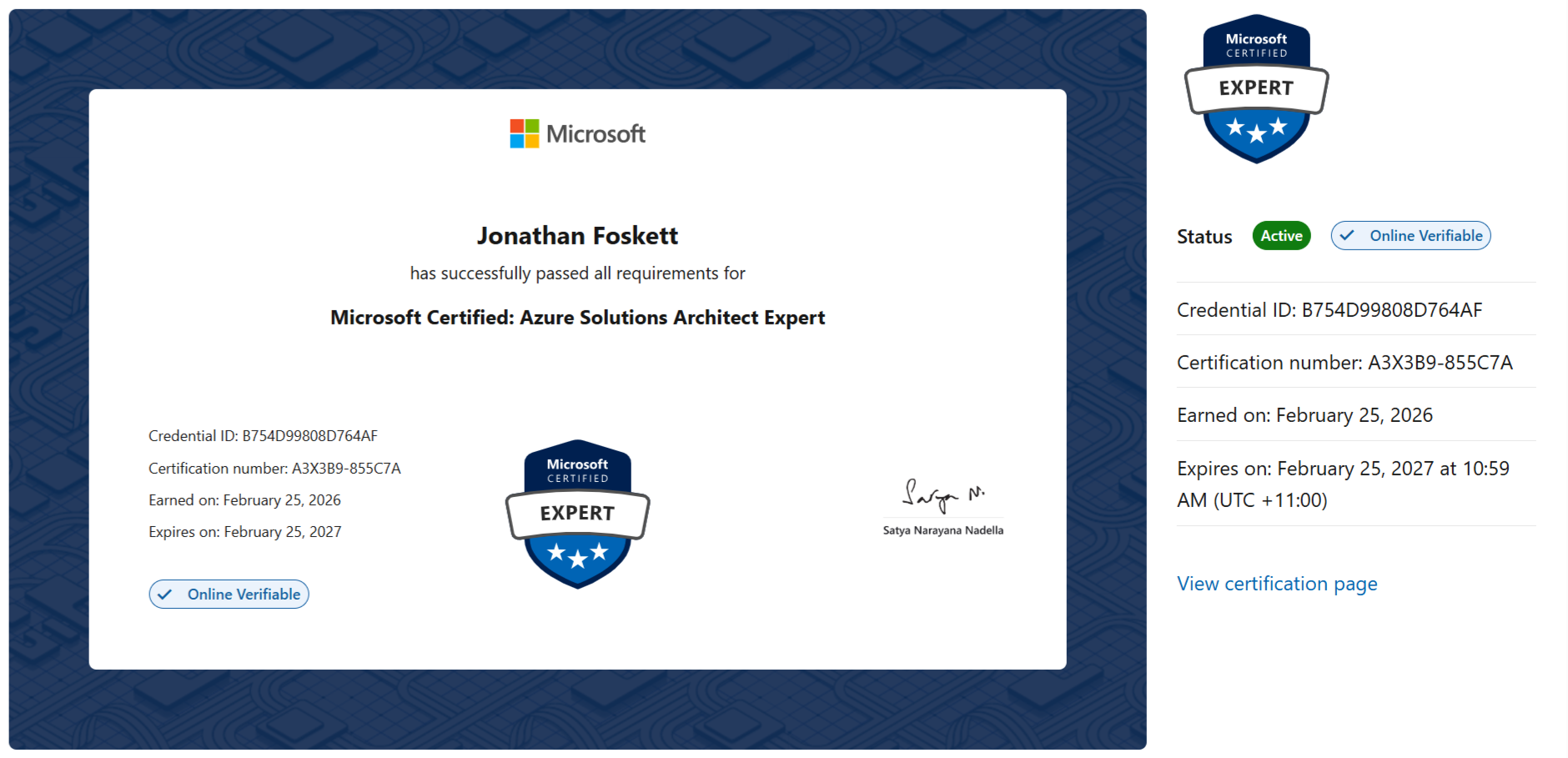
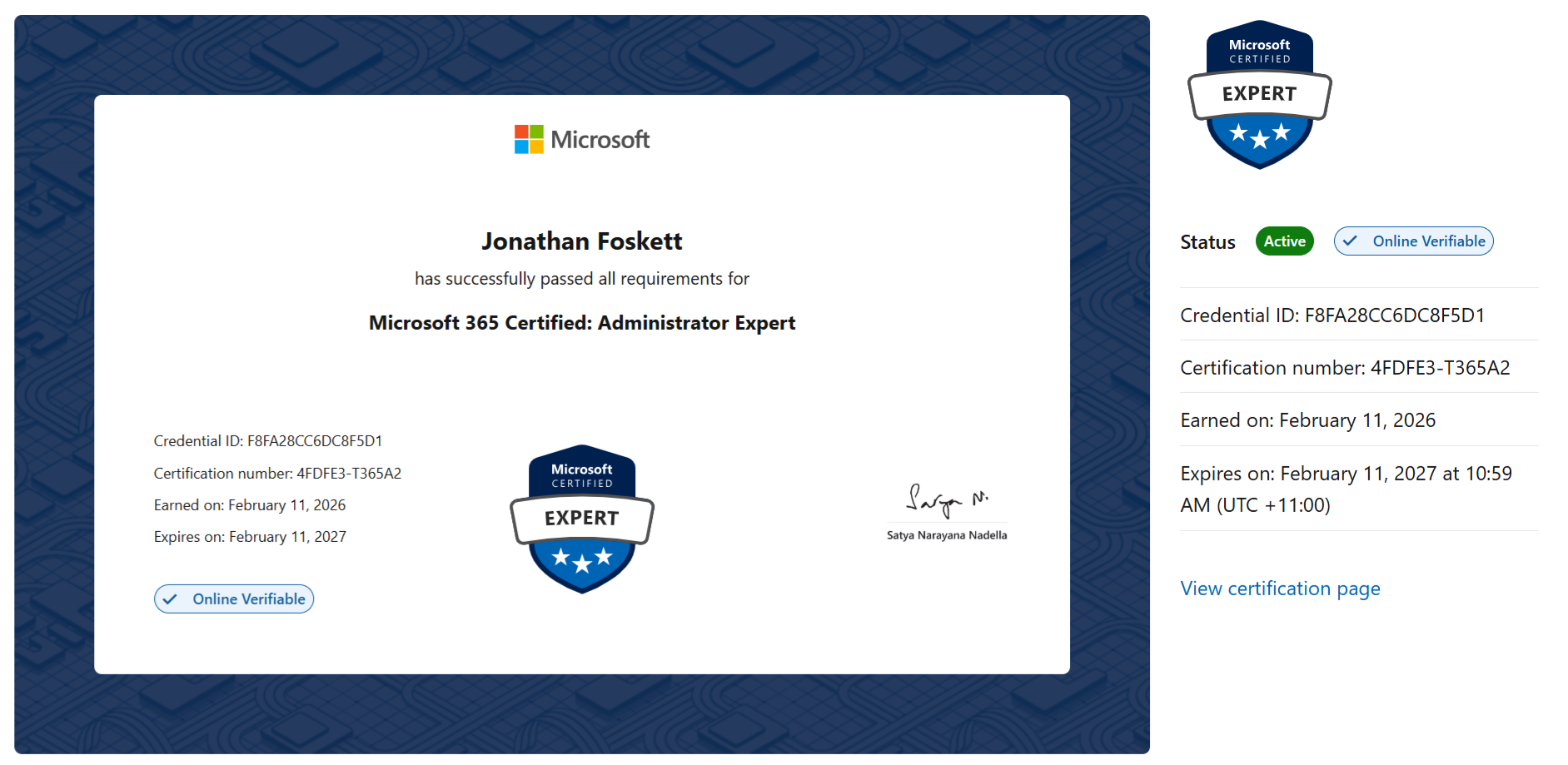
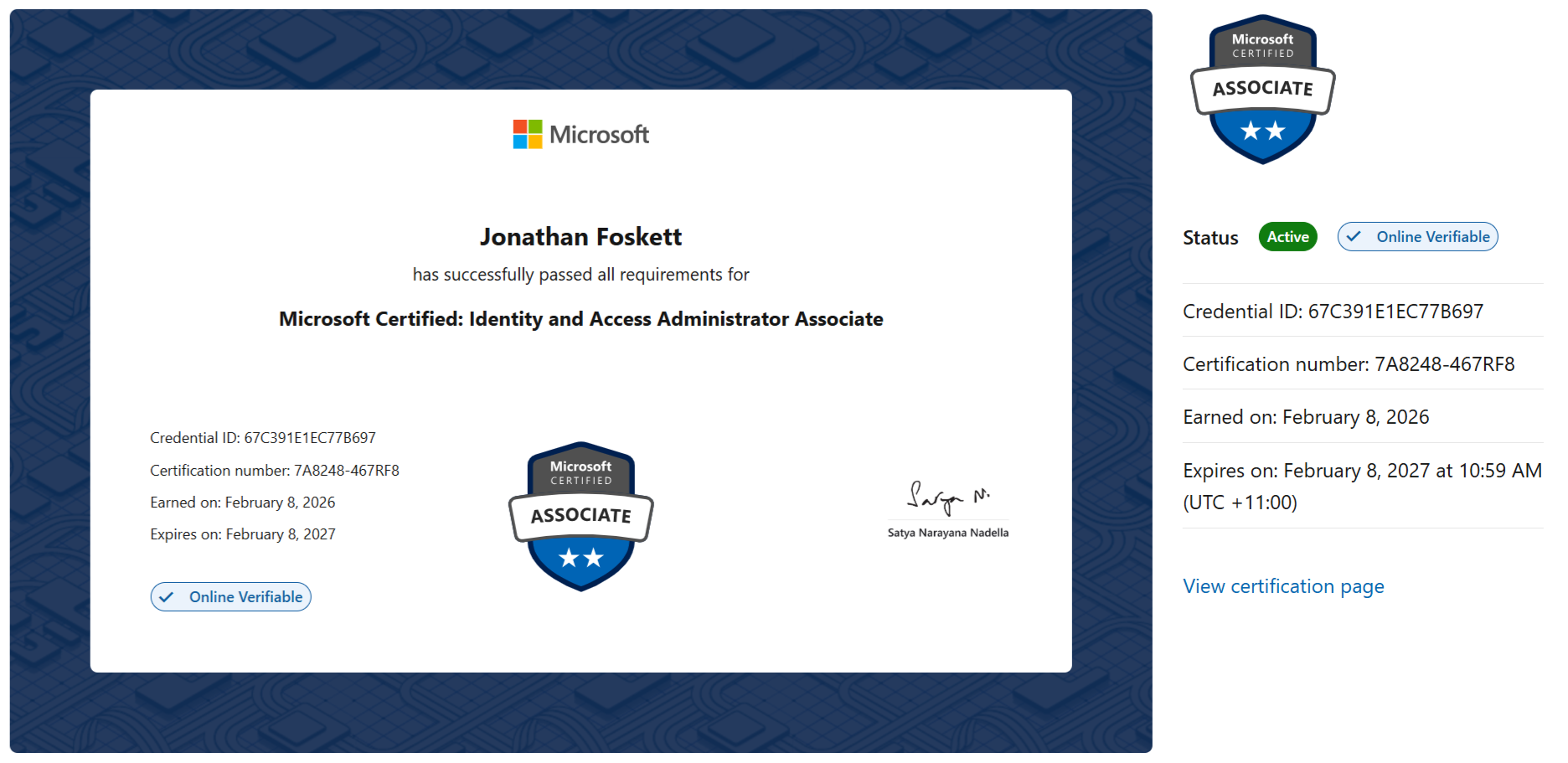
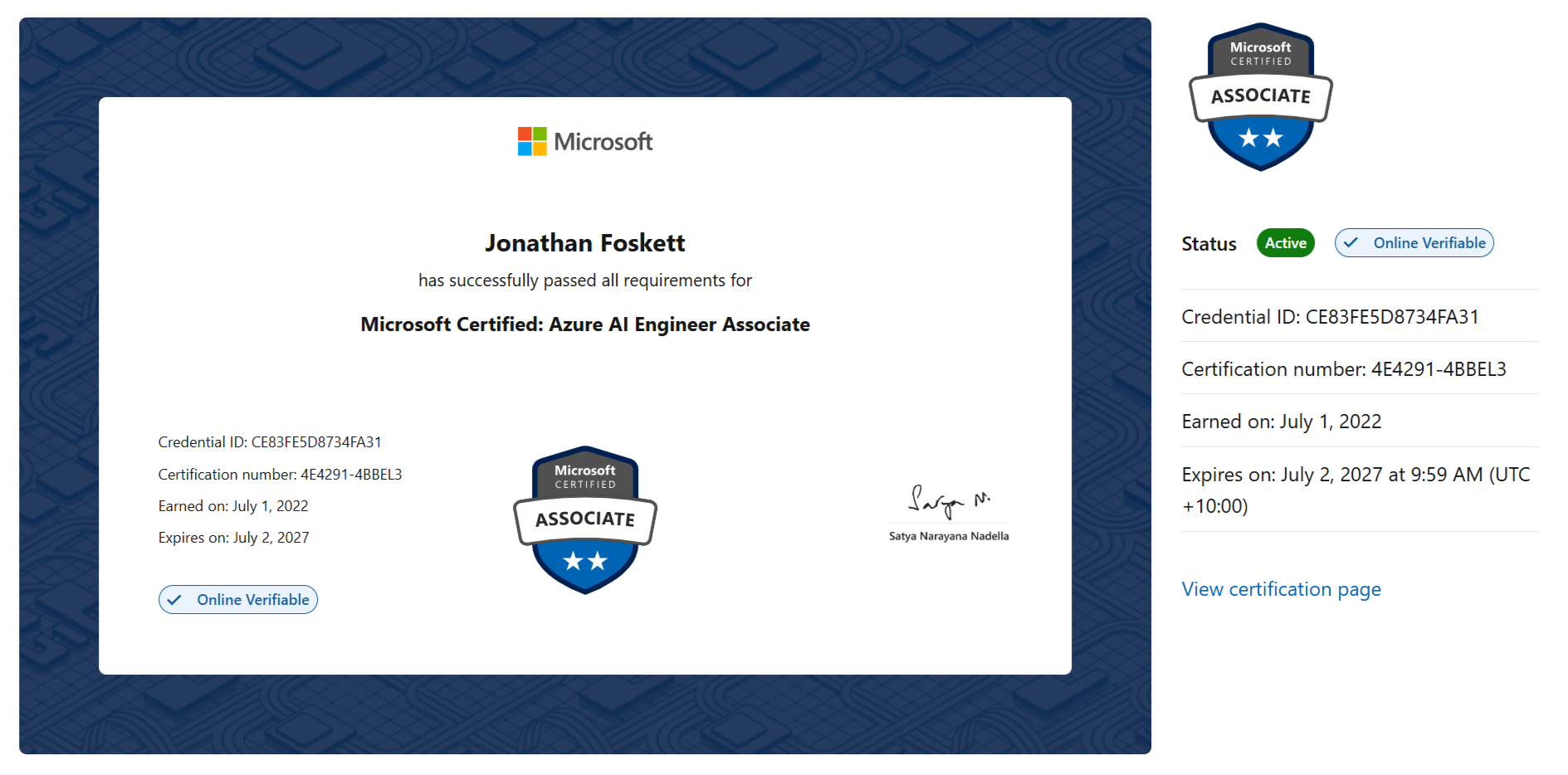
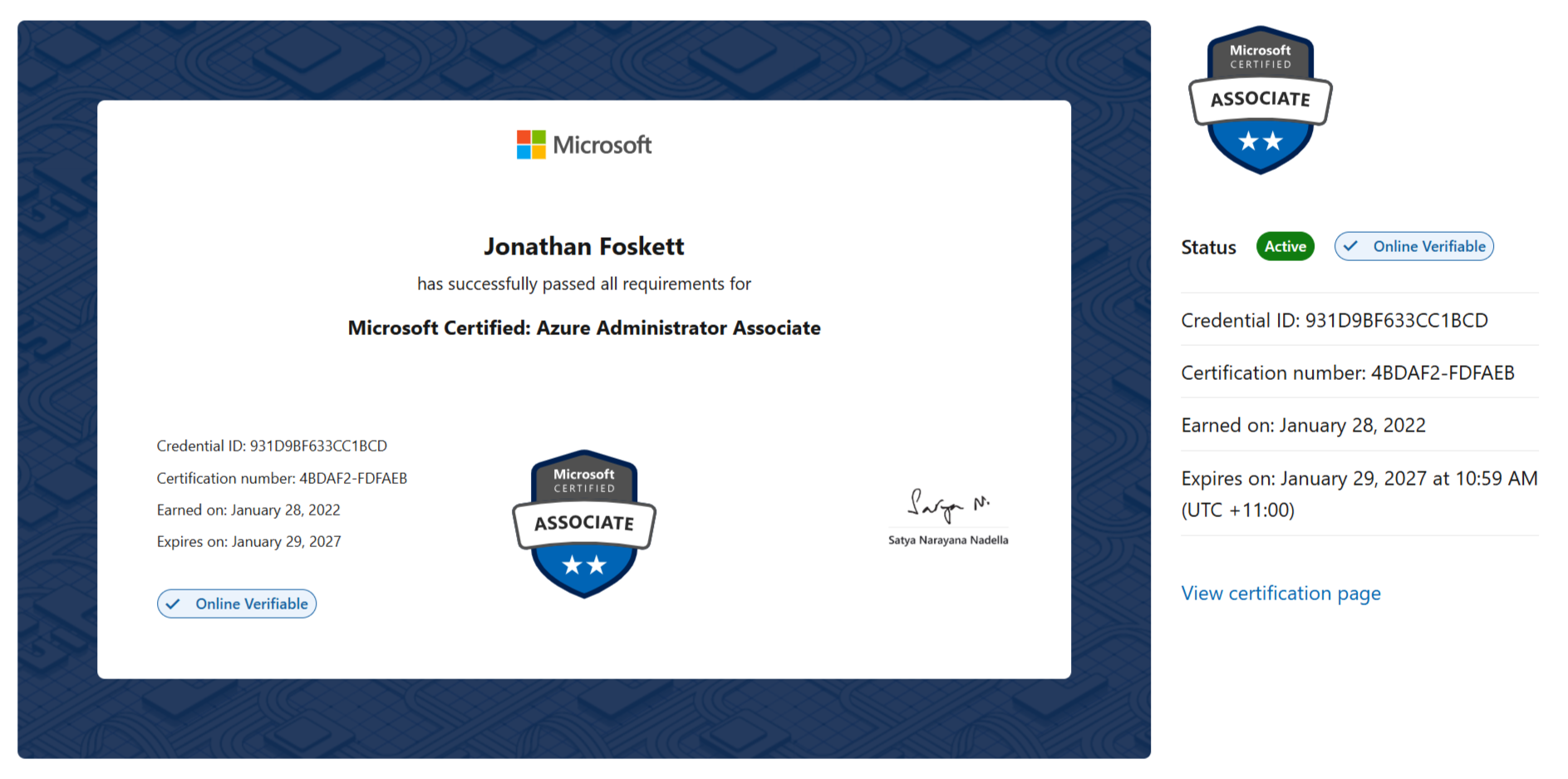
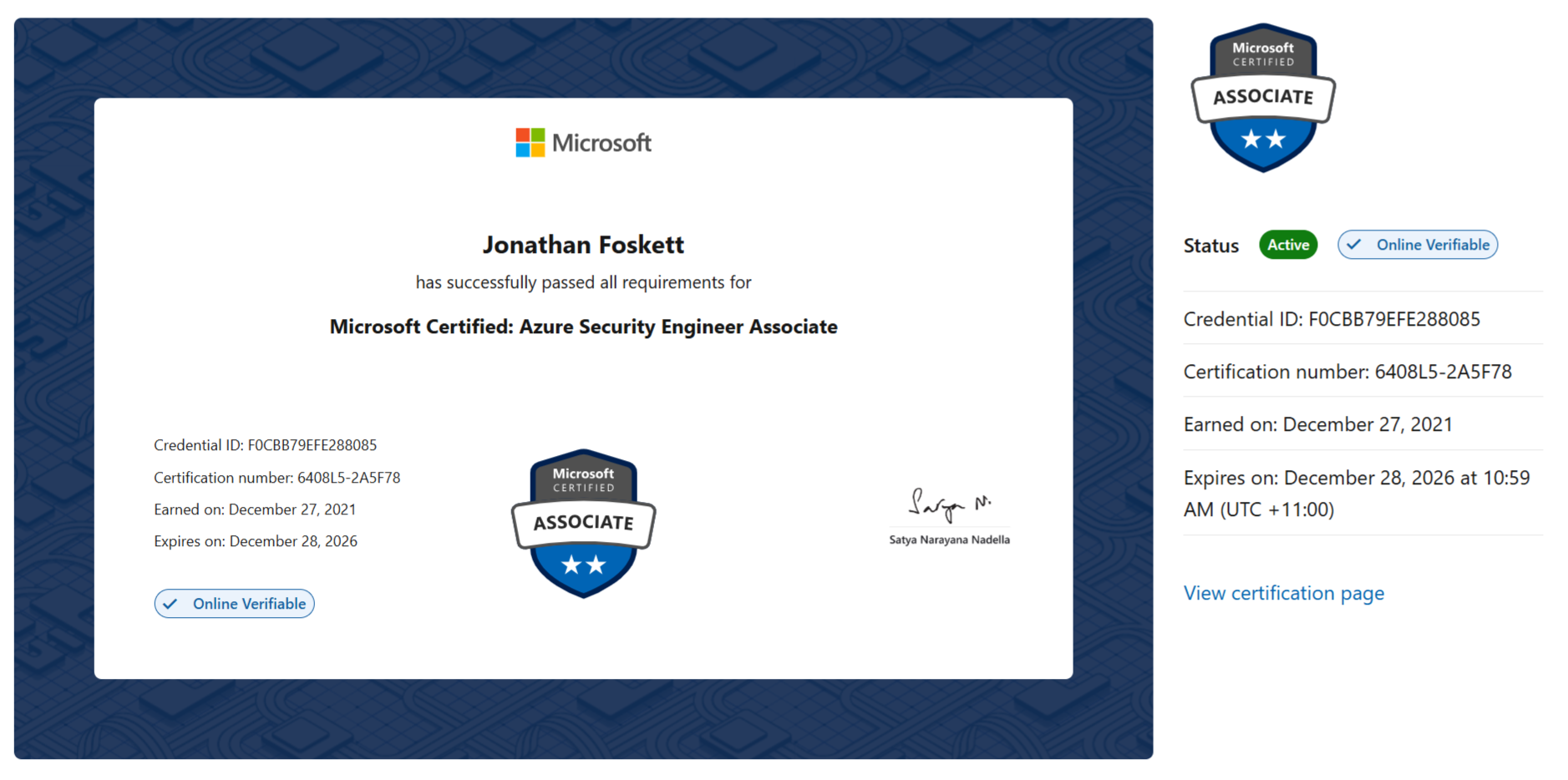
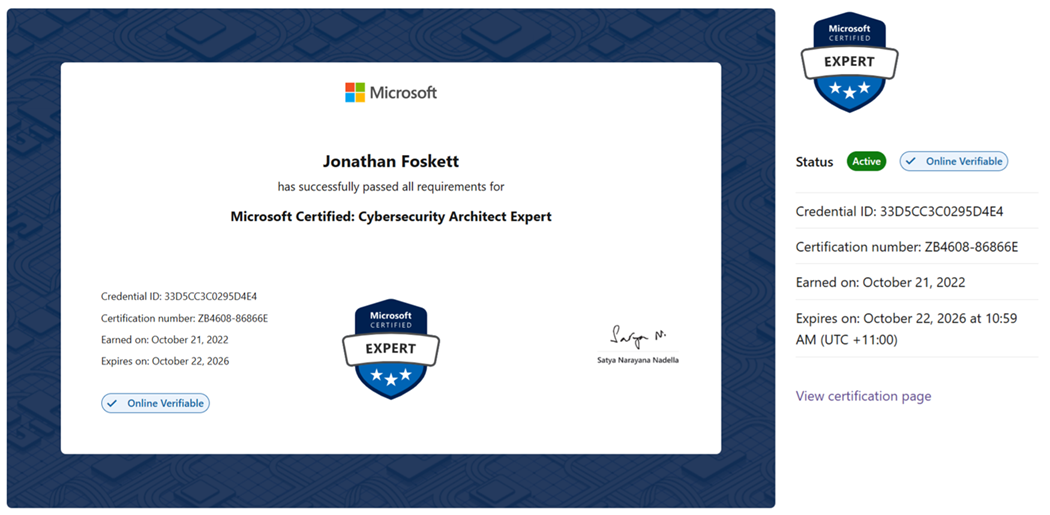
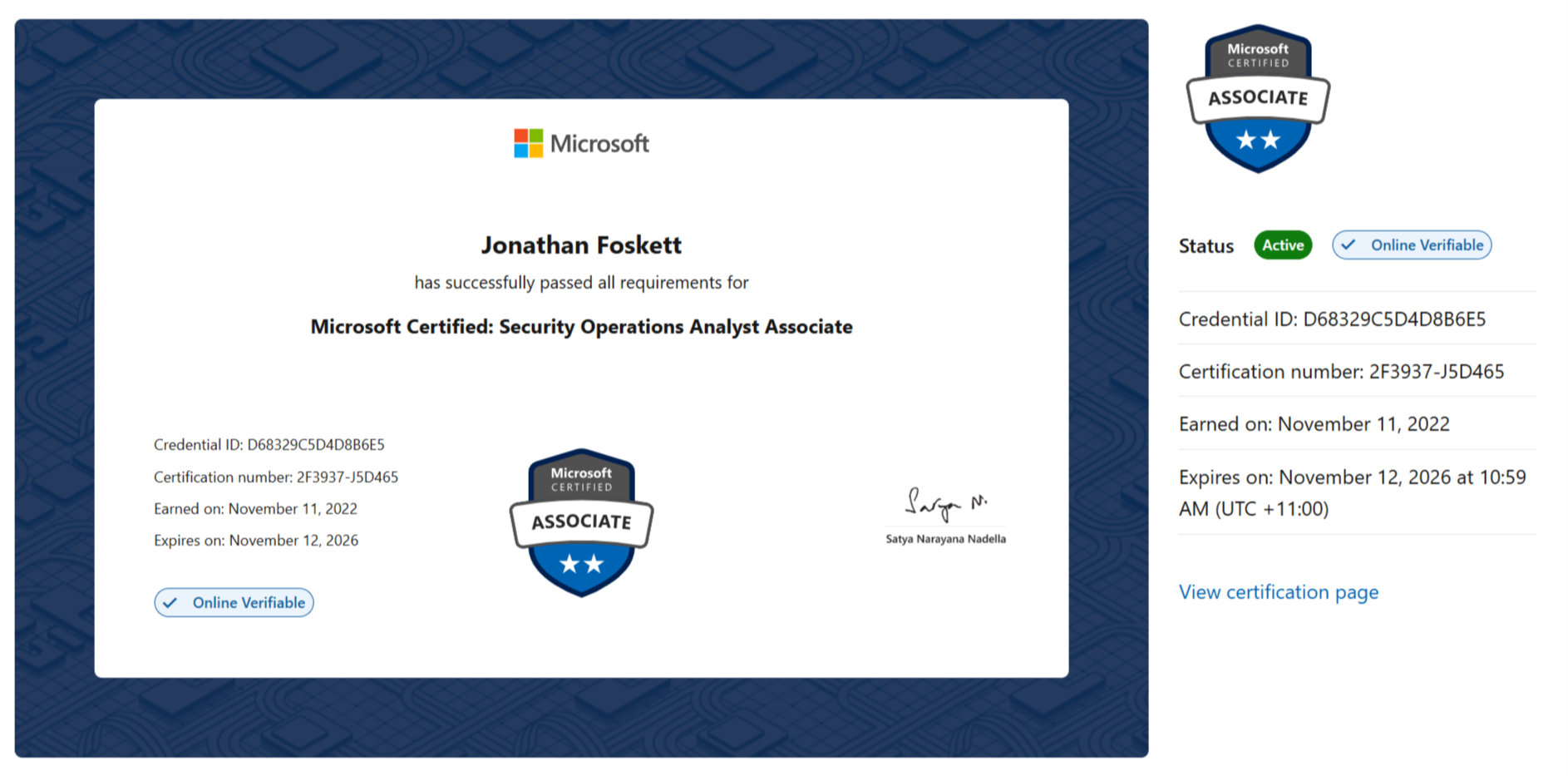
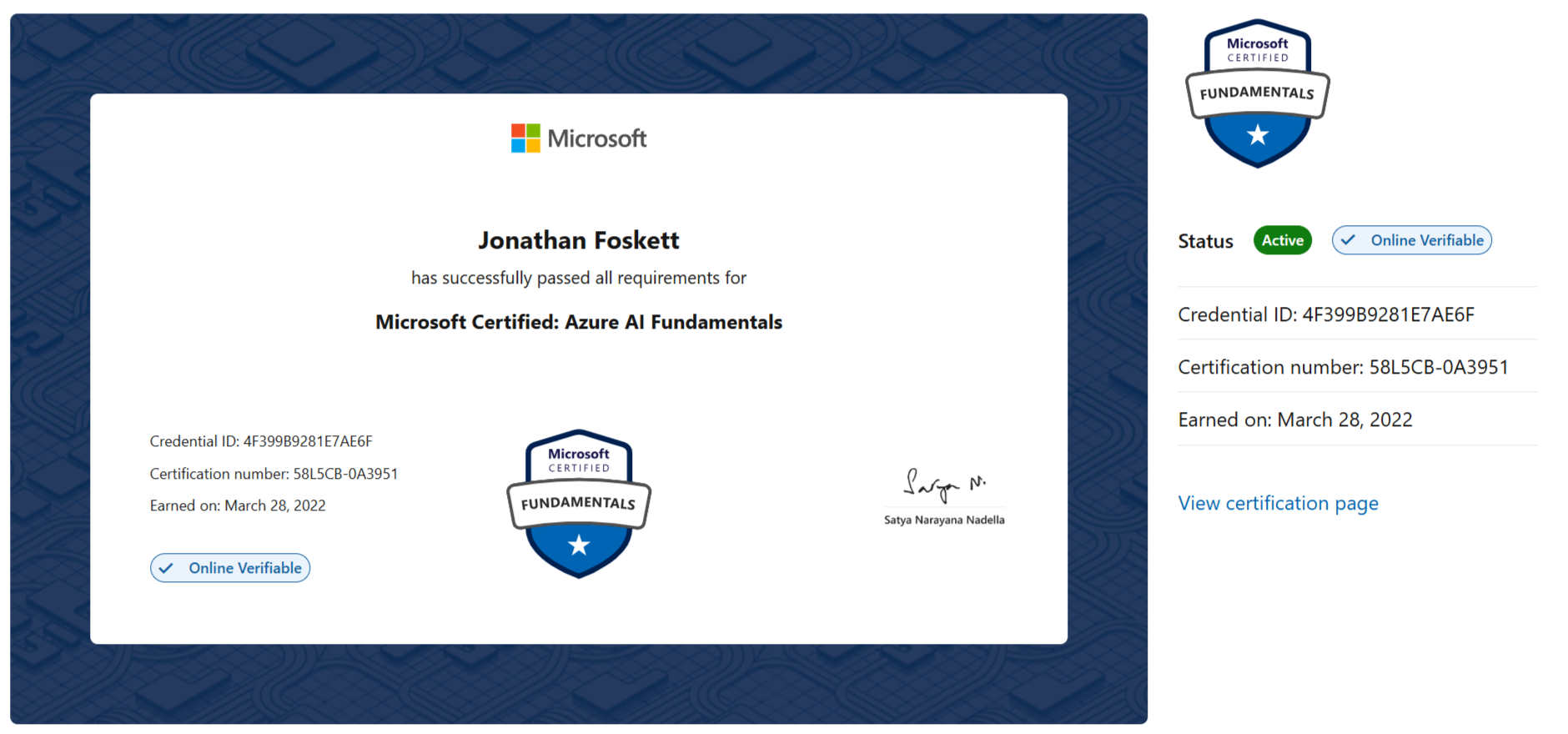
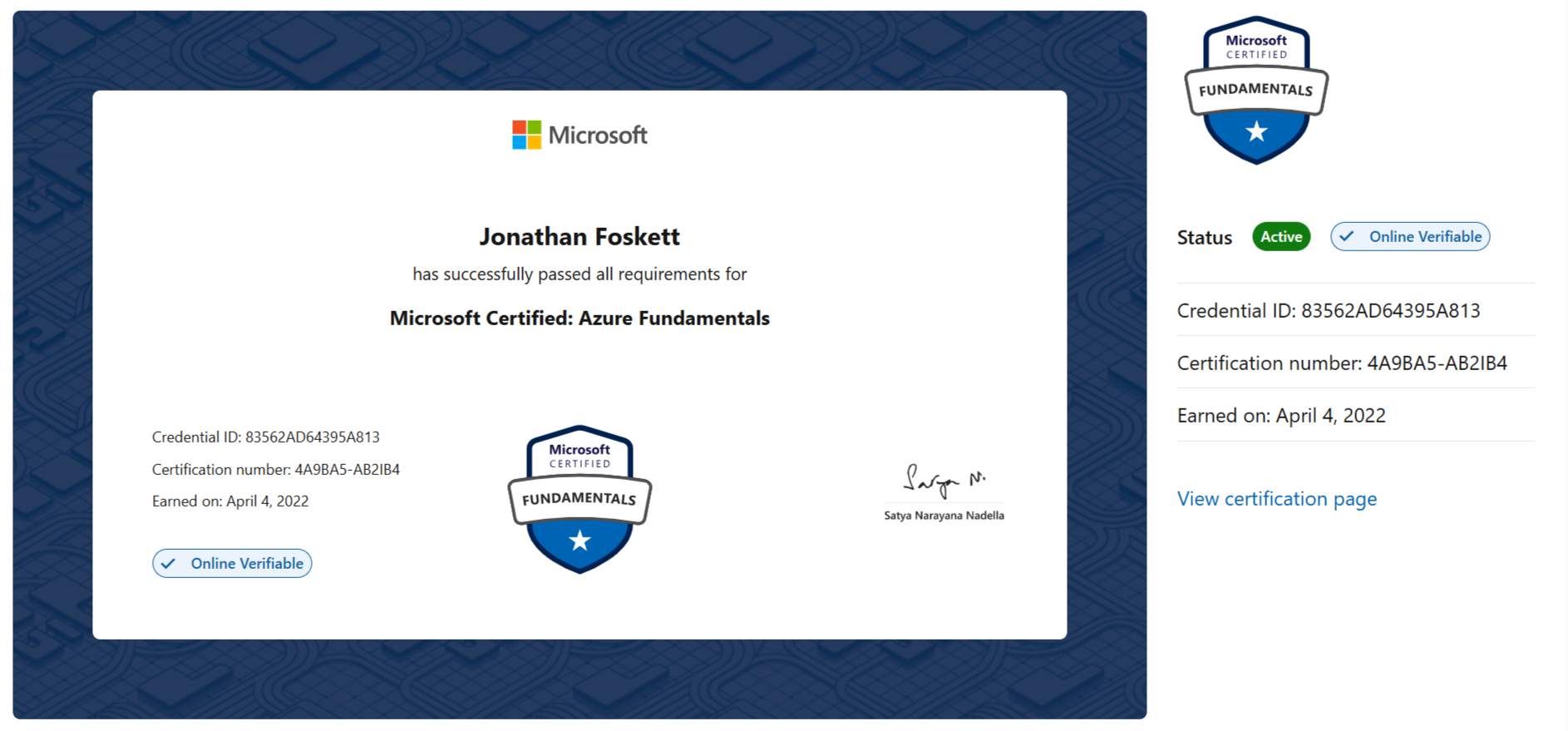
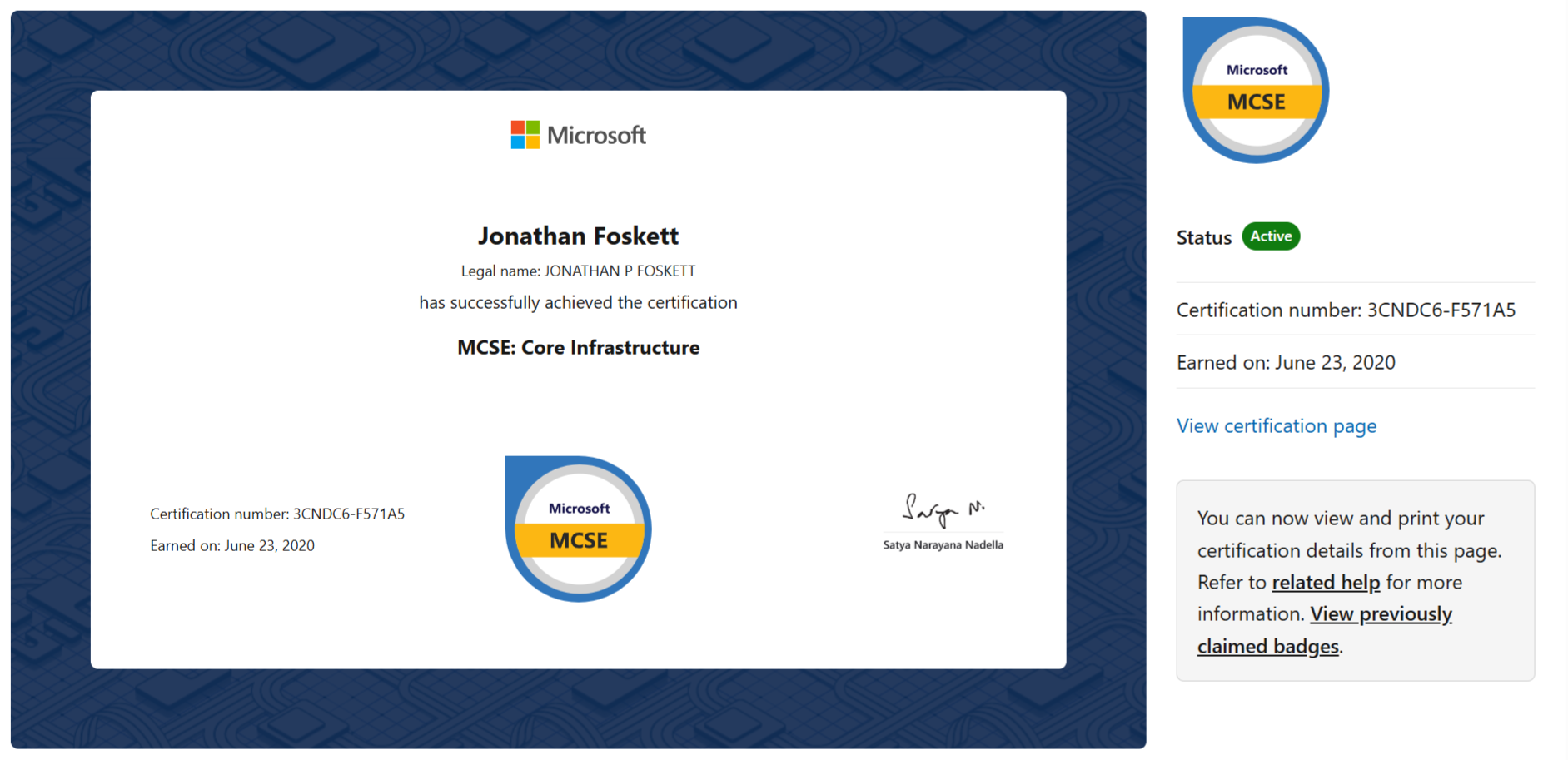
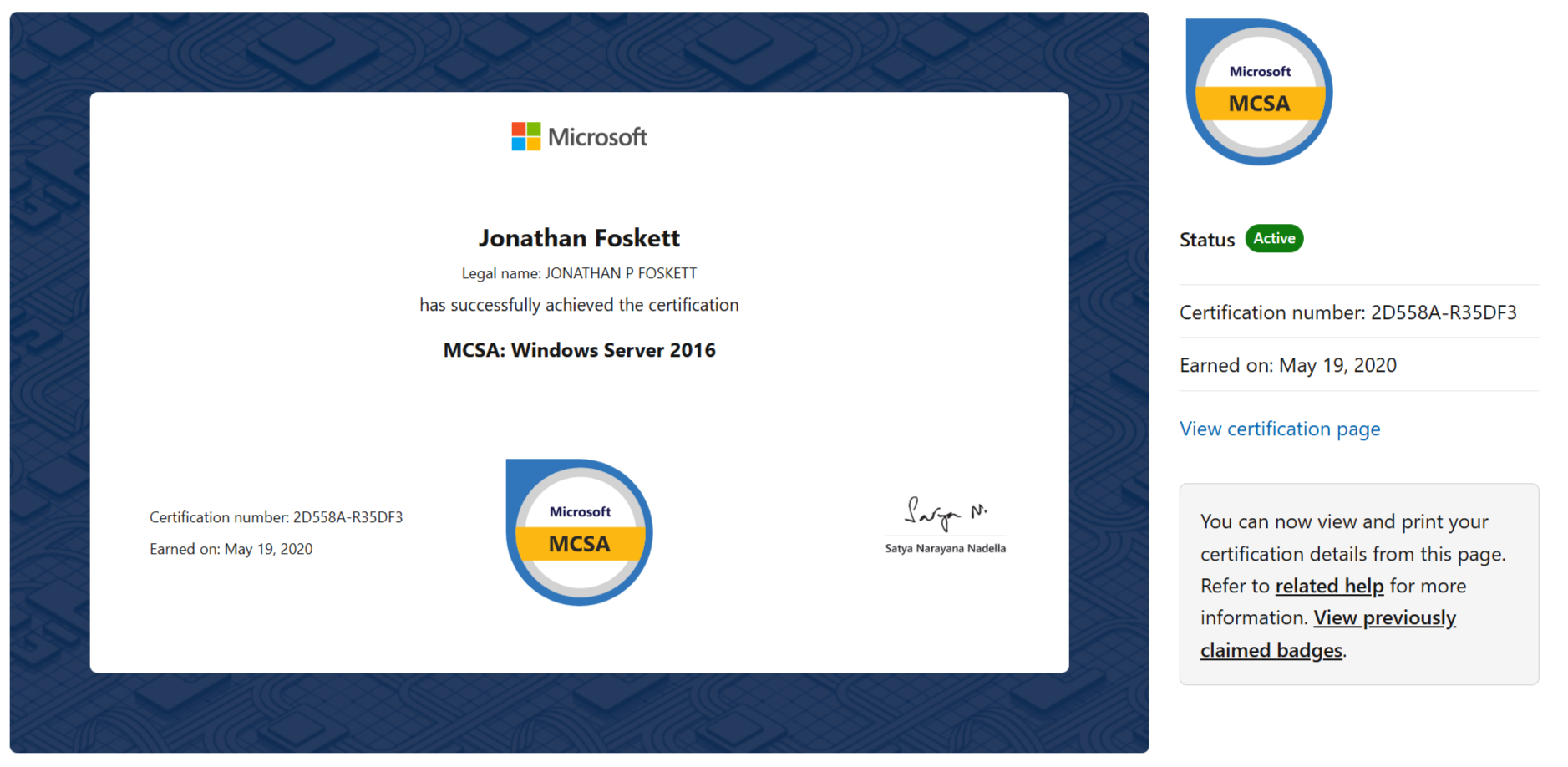
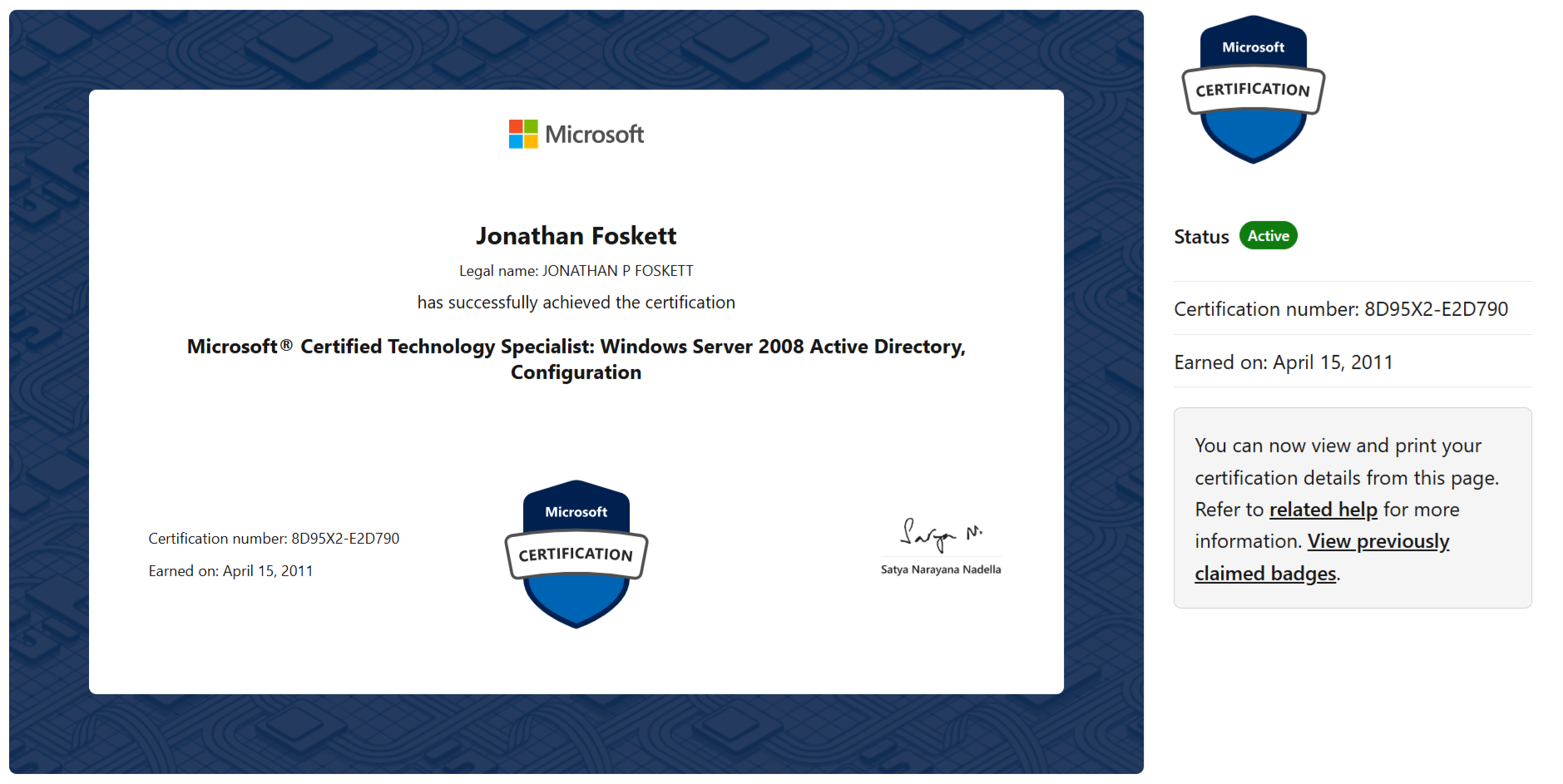
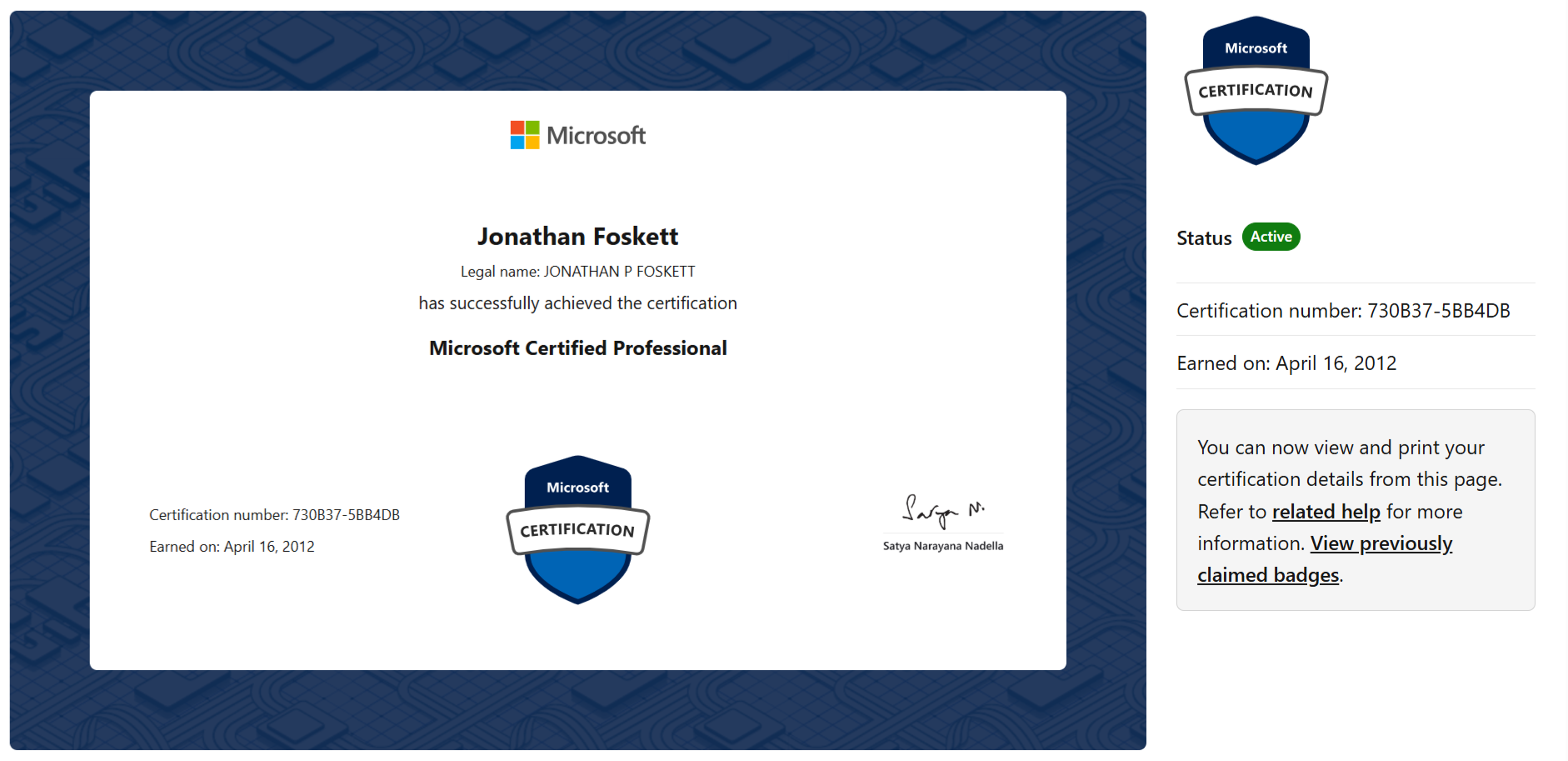
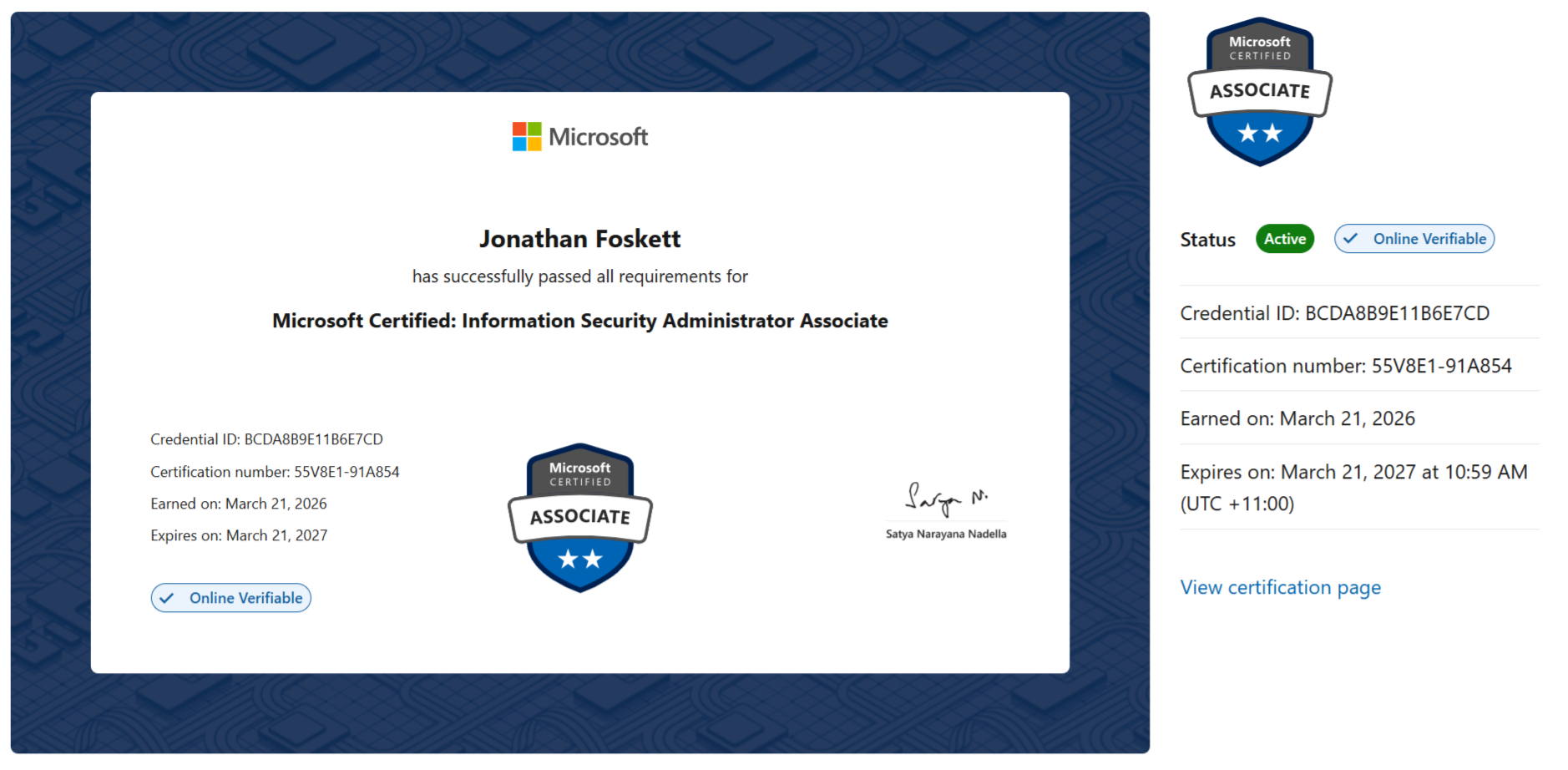
Microsoft certifications

Certifications maintained and refreshed to keep Microsoft security guidance practical, current, and aligned to real environments.
View Microsoft certifications Click to expand
Want to know where your identity controls are really exposed?
GEMXIT can review Microsoft Entra ID, MFA, Conditional Access, privileged access and sign-in visibility, then map the findings into a practical risk-reduction roadmap.
Book an Identity Review Explore the Entra Academy