Microsoft Security • Defender • Endpoint • Email • Signal

Microsoft Defender

Microsoft Defender can be one of the strongest parts of a modern security stack — if Defender for Endpoint, Defender for Office 365, Defender XDR, identity signal, and alert response are tuned properly. GEMXIT helps organisations turn Defender from “something we own” into something that improves visibility, investigation quality, and real-world risk reduction.

Microsoft Defender visibility
What this solves

Defender often exists in the environment, but not with the level of tuning, visibility, or operational follow-through needed to be effective.

Endpoint and EDR posture
Email and phishing visibility
Alert tuning and triage clarity

Where Defender often falls short

The platform is powerful. The weak point is usually the way it is configured, monitored, or interpreted.
Too much noiseAlerts are present, but teams are not sure which ones matter, so dangerous behaviour gets buried among low-value noise.
Not enough coverageDevices, mail flows, or identities may not be fully onboarded or consistently protected across the environment.
No clear response pathThe signal exists, but there is no agreed action on what to investigate, who owns it, and what to do next.

Why Microsoft Defender matters

Defender is valuable because it can see across multiple parts of the Microsoft ecosystem rather than only one layer at a time.
Endpoint visibilitySuspicious processes, persistence patterns, lateral movement indicators, and device behaviour become easier to spot early.
Email signalPhishing, malicious links, attachment risk, and user-targeted campaigns can be better understood inside the Microsoft stack.
Identity signalWhen Defender and identity information align, it becomes easier to connect endpoint behaviour to who is actually using the account.
Better investigation depthThe platform becomes far more useful when you move beyond “an alert fired” into what happened before, during, and after it.

What GEMXIT helps with

Defender uplift that focuses on practical protection, useful signal, and clearer decisions.
Policy and coverage reviewCheck whether the right devices, users, and workloads are really covered the way the business assumes.
Alert tuningReduce noise, improve clarity, and make it easier for teams to understand what deserves attention first.
Operational readinessConnect Defender signal to an actual triage and response workflow instead of leaving alerts to pile up unread.
Defender to Sentinel handoffMake better use of Defender data as part of wider security operations when deeper detection and investigation is needed.

Real-world Defender findings

Many environments already own Microsoft Defender, but the real value depends on coverage, configuration, alert quality and response readiness.
EDR is present but not fully onboardedSome devices are protected while others are missing, inactive, duplicated, or not reporting correctly into Microsoft Defender for Endpoint.
Attack Surface Reduction is not tunedASR rules may be disabled, left in audit mode, or never reviewed against real business workflows.
Email threats are visible but not investigatedPhishing, spoofing, link clicks, and attachment activity can be missed when Defender for Office 365 data is not reviewed deeply.
Alerts exist without a triage processDefender XDR may raise useful alerts, but teams need a clear way to prioritise, investigate, escalate and close them.

Defender areas we review

Microsoft Defender is not one product in isolation. It works best when endpoint, email, identity, cloud app and Sentinel signals are connected.
Microsoft Defender for EndpointDevice onboarding, EDR visibility, attack surface reduction, endpoint posture, investigation data and response capability.
Microsoft Defender for Office 365Phishing visibility, Safe Links, Safe Attachments, spoofing signals, user clicks, email investigations and message trace context.
Microsoft Defender XDRCross-domain incidents, alert correlation, investigation timelines and security operations visibility across the Microsoft stack.
Defender data in Microsoft SentinelUsing Defender telemetry with KQL to support deeper hunting, detection logic, reporting and incident response workflows.

Investigation examples through Agent Foskett

GEMXIT’s Agent Foskett Hub turns Microsoft Defender telemetry into practical investigation stories and KQL learning.
Email investigation scenariosDMARC failures, spoofed senders, suspicious links, delayed clicks, QR code attacks and phishing activity inside Microsoft Defender.
Endpoint investigation scenariosSuspicious processes, rundll32 activity, after-hours connections, process chains and unusual device behaviour.
KQL threat huntingUsing tables such as EmailEvents, UrlClickEvents, DeviceProcessEvents and DeviceNetworkEvents to move beyond basic alerts.
Defender XDR teaching approachHelping administrators and analysts understand what happened before, during and after a security event.

Frequently asked questions

What is Microsoft Defender XDR?Microsoft Defender XDR brings together security signals across endpoint, email, identity and cloud activity to support connected investigations.
Is Microsoft Defender enough by itself?Defender is powerful, but it still needs correct onboarding, policy tuning, alert review, response ownership and ongoing improvement.
Can Defender help with phishing investigations?Yes. Defender for Office 365 can help investigate sender details, authentication results, attachments, links and user click activity.
Why connect Defender to Sentinel?Sentinel allows deeper KQL hunting, long-term analysis, custom detections, dashboards and broader security operations workflows.

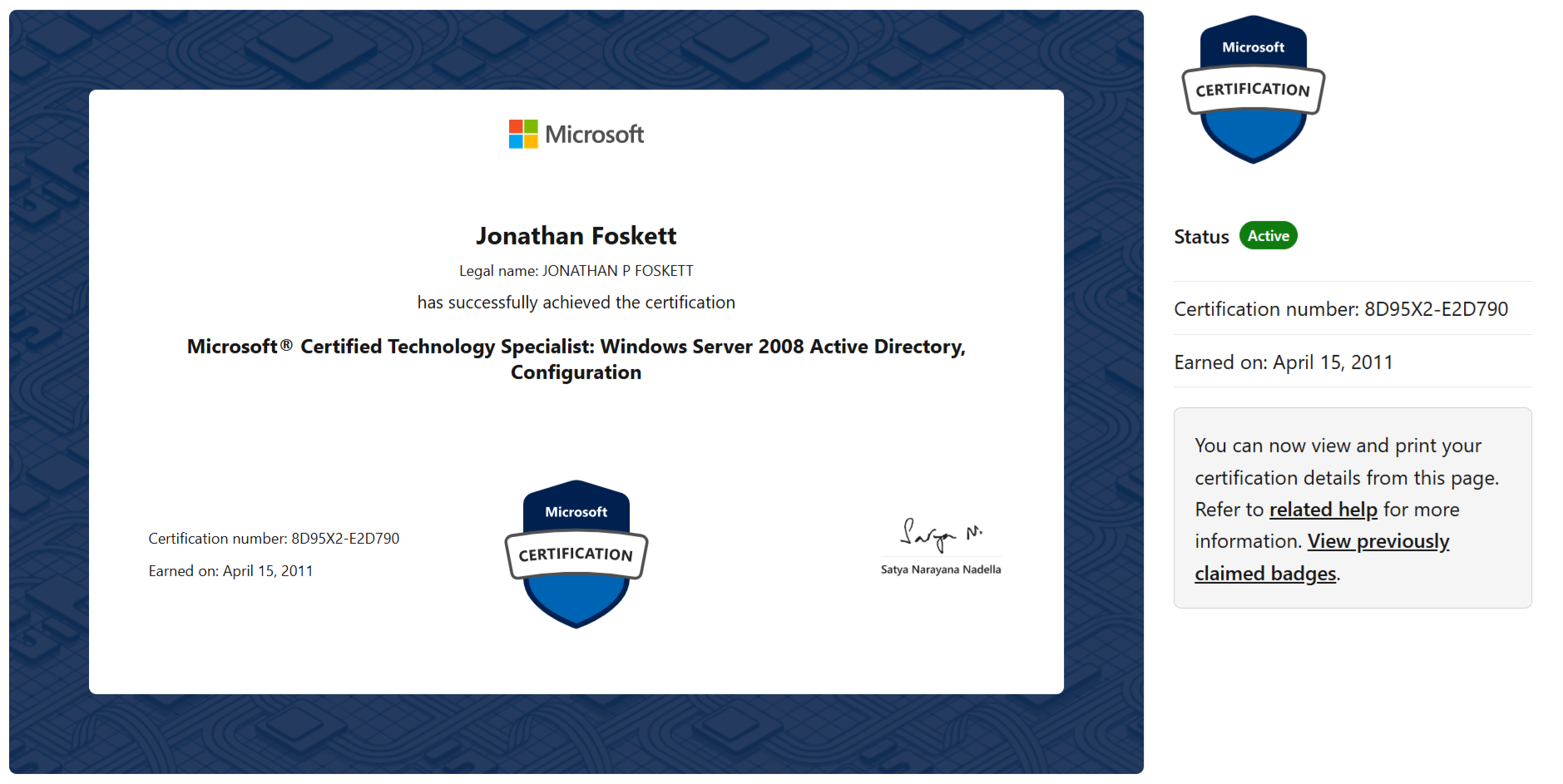
Microsoft certifications

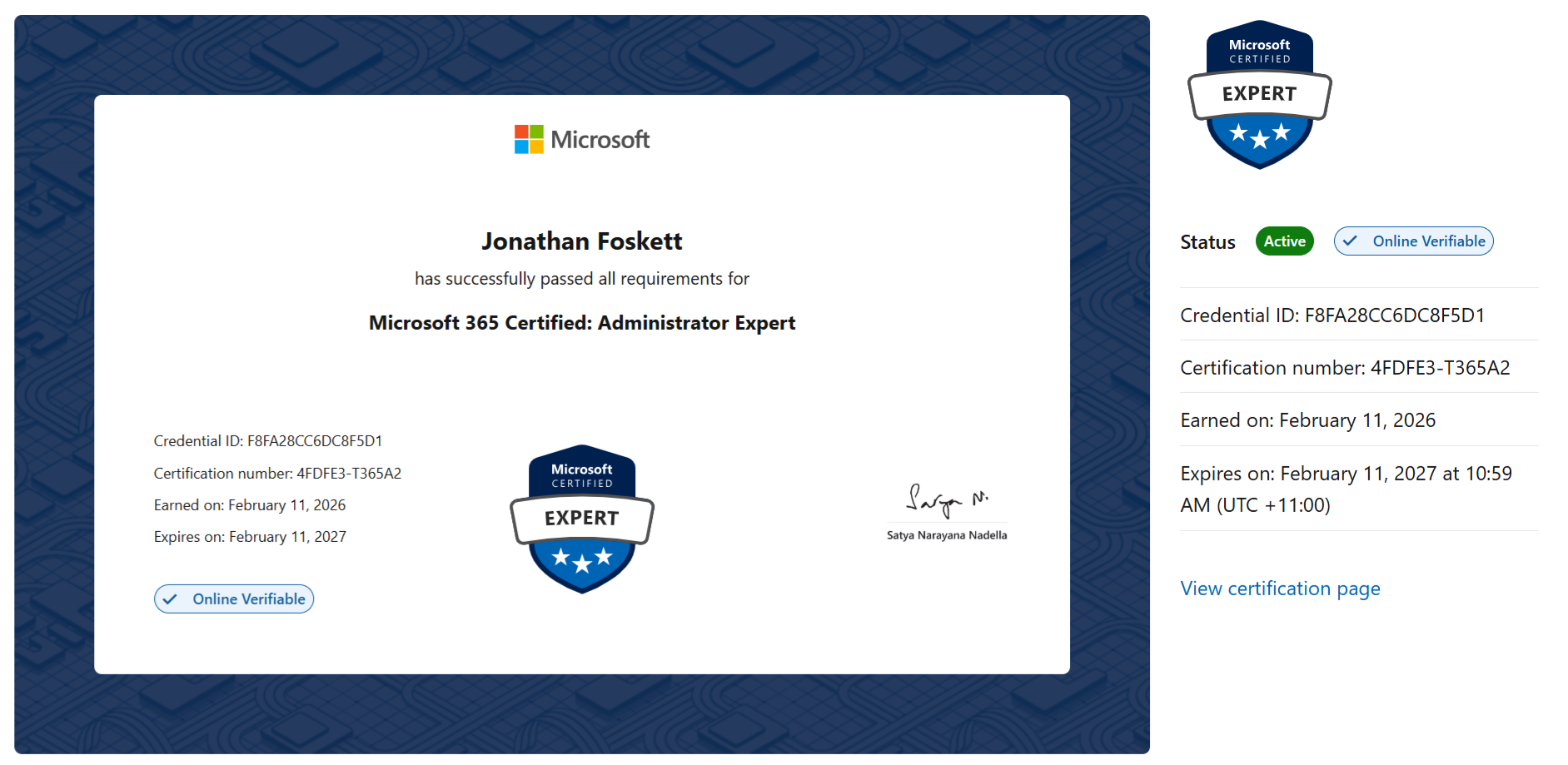
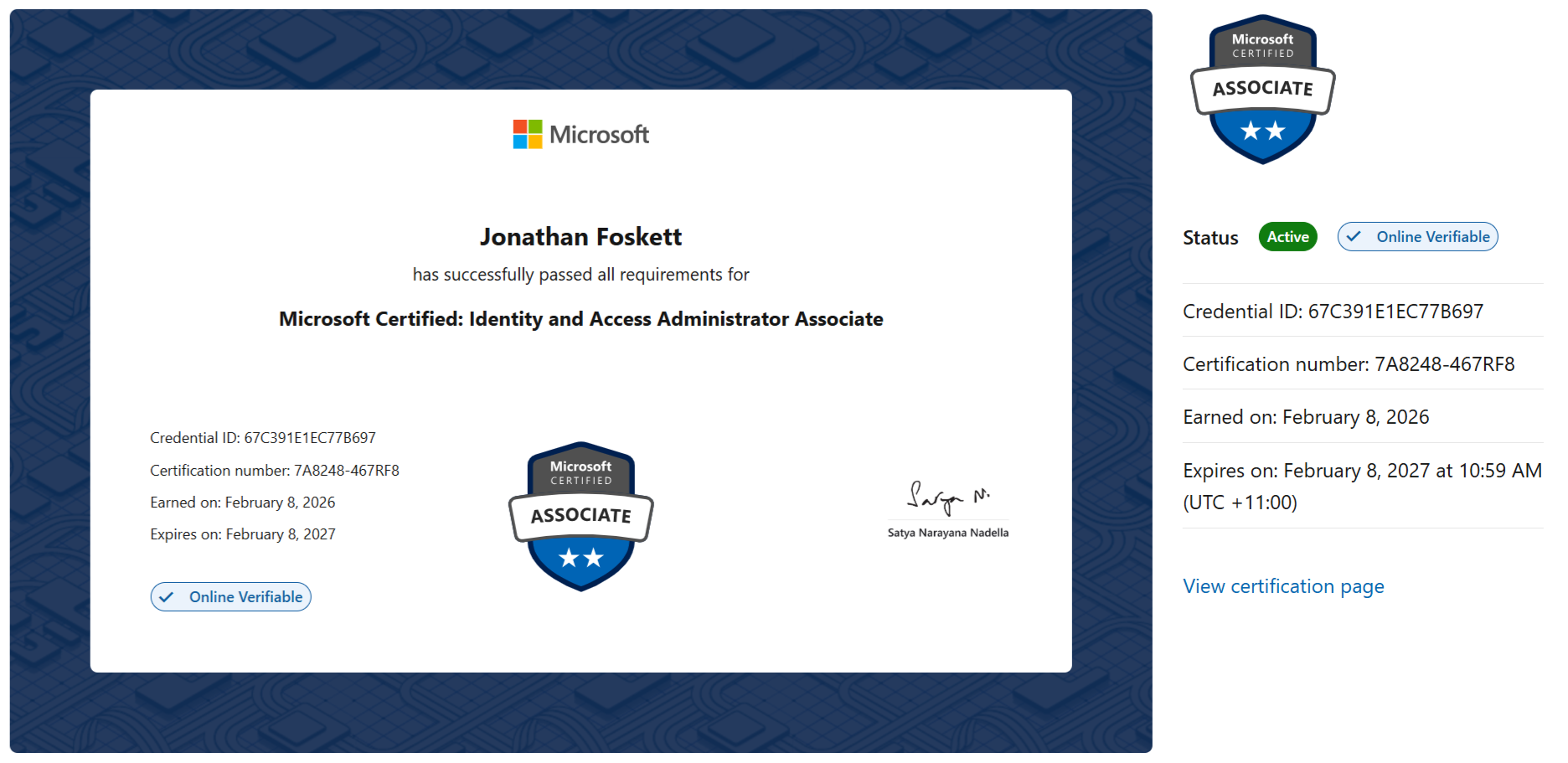
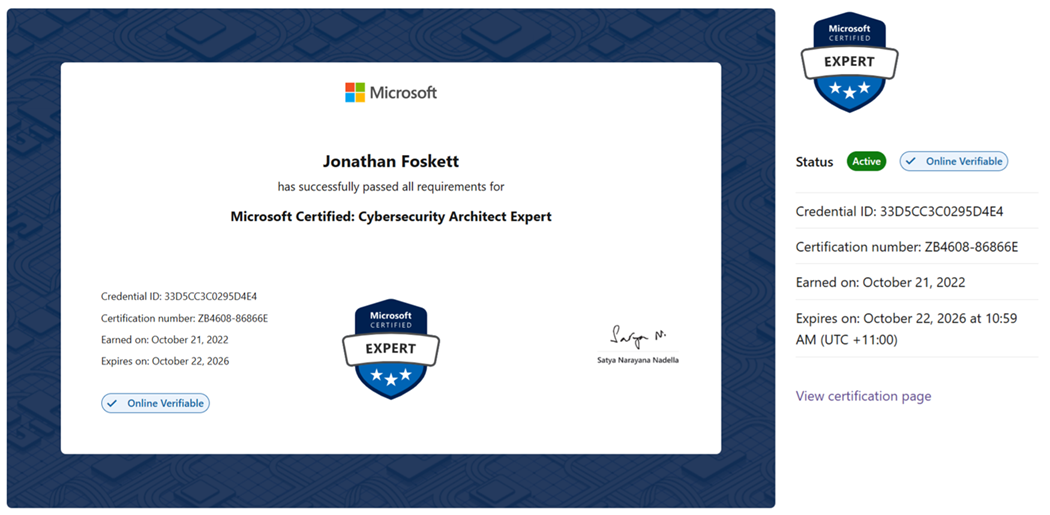
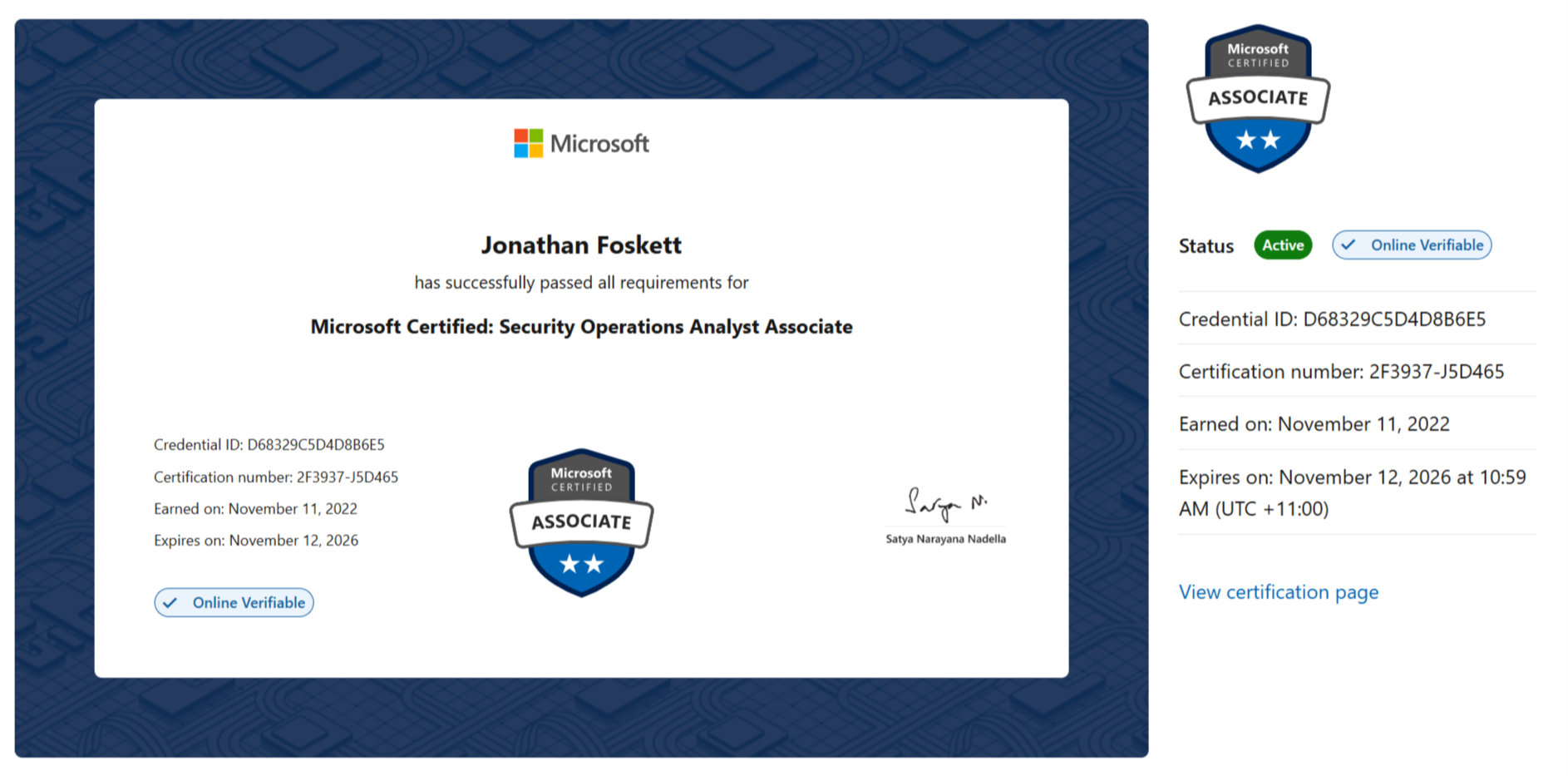
Certifications maintained and refreshed to keep Microsoft security guidance practical, current, and aligned to real environments.
View Microsoft certifications Click to expand

Want to know where your Microsoft security gaps really are?
Book a short call with GEMXIT and we’ll help map the clearest path across identity, Defender, Sentinel, and Zero Trust.
Talk to GEMXIT