Microsoft Security • Sentinel • KQL • Detection • Response

Security Operations

Logs do not protect an organisation by themselves. Security operations is where identity, endpoint, email, cloud and network signals are turned into triage decisions, evidence and response. GEMXIT helps organisations strengthen Microsoft Sentinel visibility, improve Defender XDR incident handling, investigate behaviour with KQL, tune detections and build repeatable response workflows around what the environment is really saying.

Security operations and Microsoft Sentinel
What this solves

Many businesses have log data, but not the visibility, pattern recognition, or response maturity to turn it into something useful before a problem grows.

Sentinel readiness and data flow
KQL investigation and anomaly hunting
Detections, dashboards, and response paths

Common security operations problems

The failure is rarely “no logs.” It is usually weak visibility, poor tuning, and no clear path from alert to action.
The alerts were there… but no one knew what they meantSignals existed, but the noise level was too high and nobody had confidence in what to investigate first.
Workbooks looked good, but nobody used themDashboards can become decoration if they are not tied to decisions, investigation habits, and escalation thinking.
Response was too ad hocWithout a clear playbook, evidence path, and ownership model, even good detections fail to produce good outcomes.

Why Microsoft Sentinel matters

Sentinel becomes powerful when it is used to connect logs, detections, context, and investigation logic across the environment.
Centralised visibilityBring identity, endpoint, and cloud signals together so unusual behaviour can be seen in one place rather than across disconnected tools.
KQL investigationKQL makes it possible to move beyond alert names and actually ask what changed, what does not fit, and what pattern is emerging.
Detection engineeringAnalytics rules should be meaningful, tuned, and aligned to what matters in the environment instead of just left at defaults.
Incident readinessThe goal is not more dashboards. It is better decisions, clearer escalation, and faster understanding when something is wrong.

What GEMXIT helps with

Security operations uplift grounded in real-world Microsoft environments and practical investigation habits.
Sentinel onboarding and reviewCheck log source coverage, workspace visibility, connector value, and whether the platform is showing what it needs to show.
KQL-driven analysisUse KQL to investigate sign-in anomalies, suspicious behaviour, and patterns that do not fit expected activity.
Detections and workbooksImprove analytics rules and workbooks so they help teams see and act, rather than simply produce more visual noise.
Response thinkingBuild a clearer path from signal to triage, evidence, containment, and follow-up action.

Real-world security operations findings

Security operations problems are often hidden in the gap between “we have the tools” and “we know exactly what to do when something happens.”
Incidents are opened but not ownedAlerts appear in Sentinel or Defender XDR, but there is no clear triage owner, escalation path, or follow-up action.
Too much default noiseDefault rules and alerts can produce noise without matching the real risk profile of the organisation.
Investigations stop at the alert titleTeams see the alert name but do not pivot into related identity, device, email, network or cloud activity.
No repeatable evidence pathWhen an incident occurs, the team needs a consistent way to collect evidence, record decisions and explain what happened.

Security operations capability areas

A practical security operations model connects Microsoft tools, the people using them and the decisions that need to be made under pressure.
Alert triage modelDefine what gets reviewed first, what can wait, what must be escalated and what evidence is needed before an incident can be closed.
KQL investigation playbooksBuild repeatable queries and investigation paths for scenarios such as impossible travel, suspicious processes, phishing and cloud activity.
Workbook and dashboard designCreate visibility that supports decisions rather than decorative charts. The best workbook answers a real operational question.
Detection improvement cycleReview which detections fired, which were missed, which were noisy and how the rules should change over time.
Automation and playbooksUse Sentinel automation rules and Logic Apps to enrich incidents, notify owners, collect context and support safe repeatable response steps.
Evidence and case handlingRecord timelines, pivots, decisions, containment actions and follow-up tasks so investigations can be explained and improved later.

Continue learning with Agent Foskett

Move from security operations guidance into structured Sentinel lessons, investigation playbooks, Defender XDR workflows and practical KQL hunting.

Security Operations Learning Paths

Explore the Agent Foskett Academy across Microsoft Sentinel, Defender for Endpoint, Microsoft Entra, Defender for Cloud and Security Copilot. The lessons connect alerts, incidents, entities, timelines, KQL, workbooks, automation and response into repeatable investigation workflows.

Incident triage and ownershipBuild repeatable decisions around severity, scope, affected entities, escalation and evidence required before closure.

Explore Sentinel operations lessons →

KQL investigation playbooksUse practical query patterns to investigate sign-ins, endpoints, email activity, cloud events and related timelines.

Open the KQL Threat Hunting Guide →

Defender XDR investigation flowConnect alerts, users, devices, processes, emails and cloud signals into a single evidence-based incident story.

Explore Defender investigation lessons →

Identity investigationUse Microsoft Entra sign-in logs, risk information and Conditional Access outcomes to understand identity-based incidents.

Enter the Microsoft Entra Academy →

Cloud investigation workflowsInvestigate posture, workloads, permissions, exposure and attack paths with Defender for Cloud context.

Enter the Defender for Cloud Academy →

Security Copilot assistanceUse Security Copilot to summarise incidents, explain scripts, organise evidence and suggest next steps while analysts validate the underlying data.

Explore Microsoft Security →

Frequently asked questions

What are security operations?Security operations are the people, tools and processes used to detect, investigate, respond to and improve against security threats.
Do we need a full SOC?Not every organisation needs a large SOC, but every organisation should have clear alert ownership, investigation steps and escalation paths.
Why does KQL matter?KQL allows teams to search Microsoft security data, investigate behaviour, build detections and understand patterns beyond basic alert names.
How does Defender XDR fit in?Defender XDR provides connected security incidents across endpoint, identity, email and cloud signals that can feed security operations workflows.
What makes a useful security workbook?A useful workbook answers a question the team actually needs to answer, such as risky sign-ins, after-hours activity, incident trends or policy gaps.
Can Security Copilot help security operations?Yes. Security Copilot can summarise incidents, explain commands and scripts, organise evidence and suggest investigation pivots, while analysts verify the conclusions.
Where does automation fit?Automation should enrich and route incidents, collect context and support repeatable response steps without removing human review from high-impact decisions.
How often should detections be reviewed?Detections should be reviewed regularly and after major incidents, licensing changes, new systems, new attack patterns or operational changes.

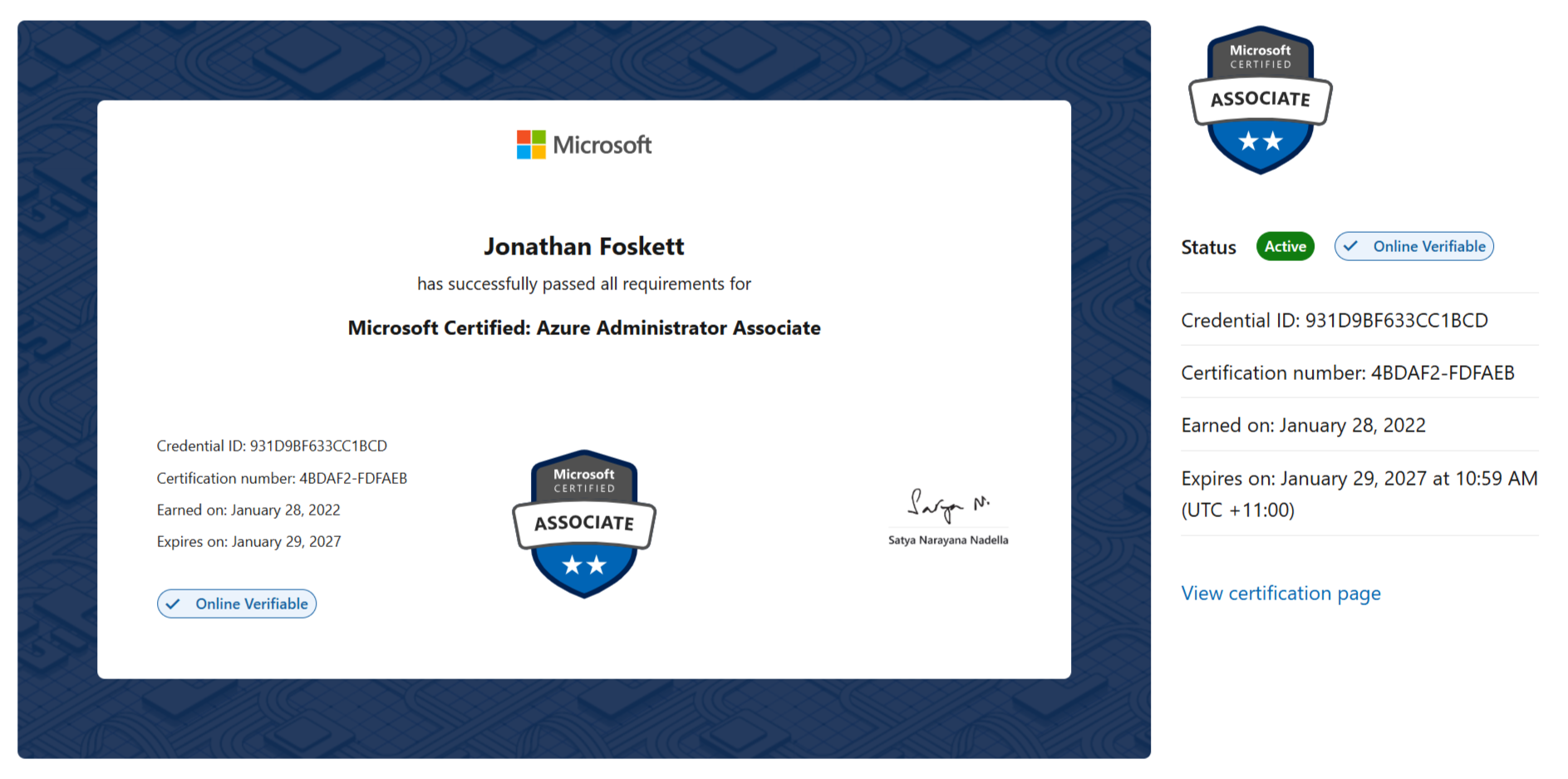
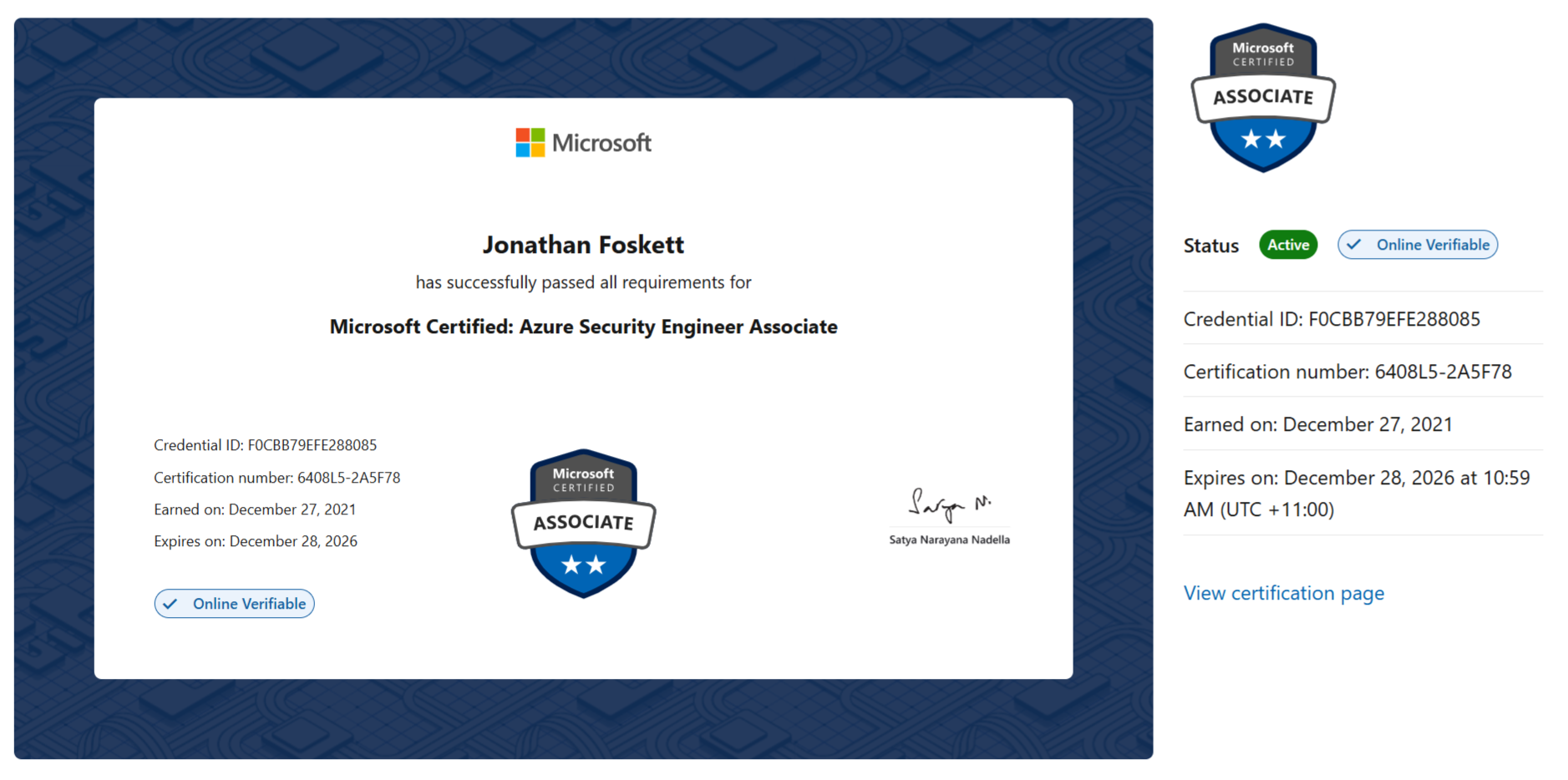
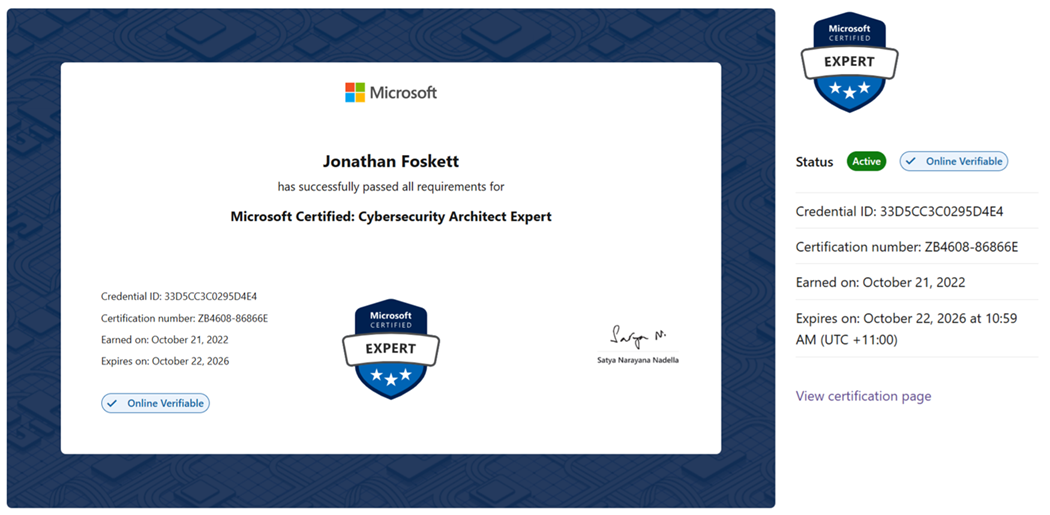
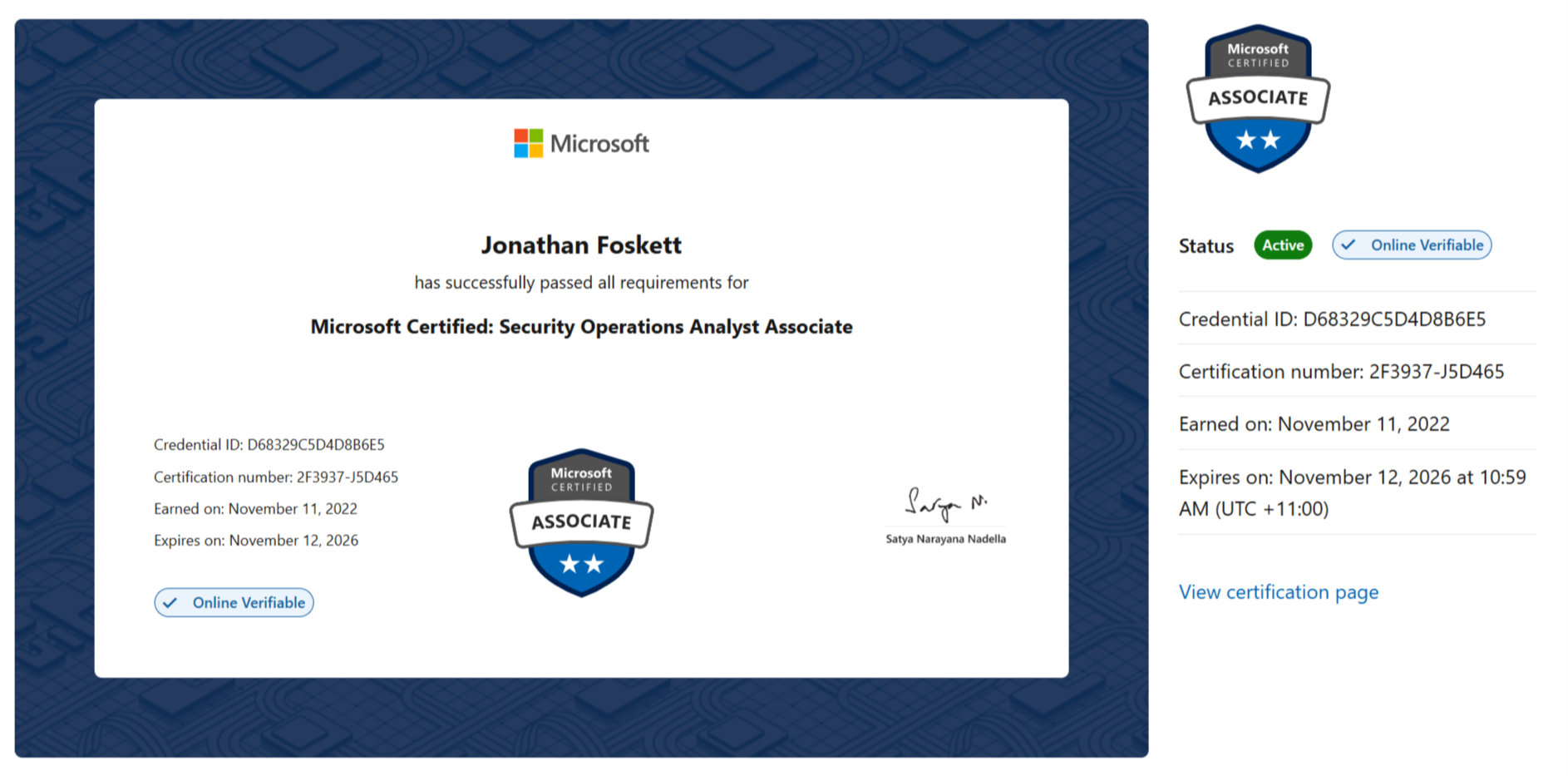
Microsoft certifications

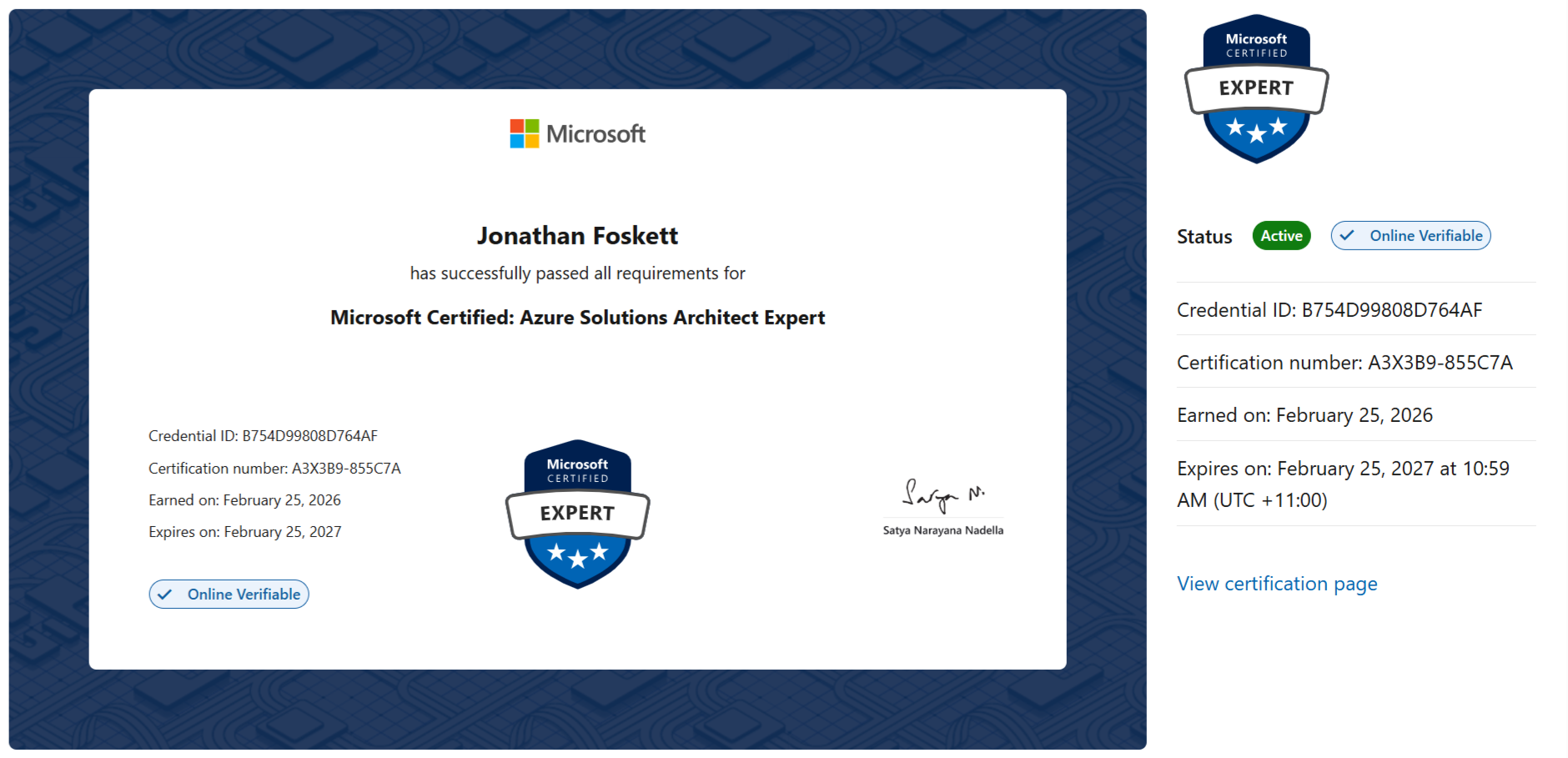
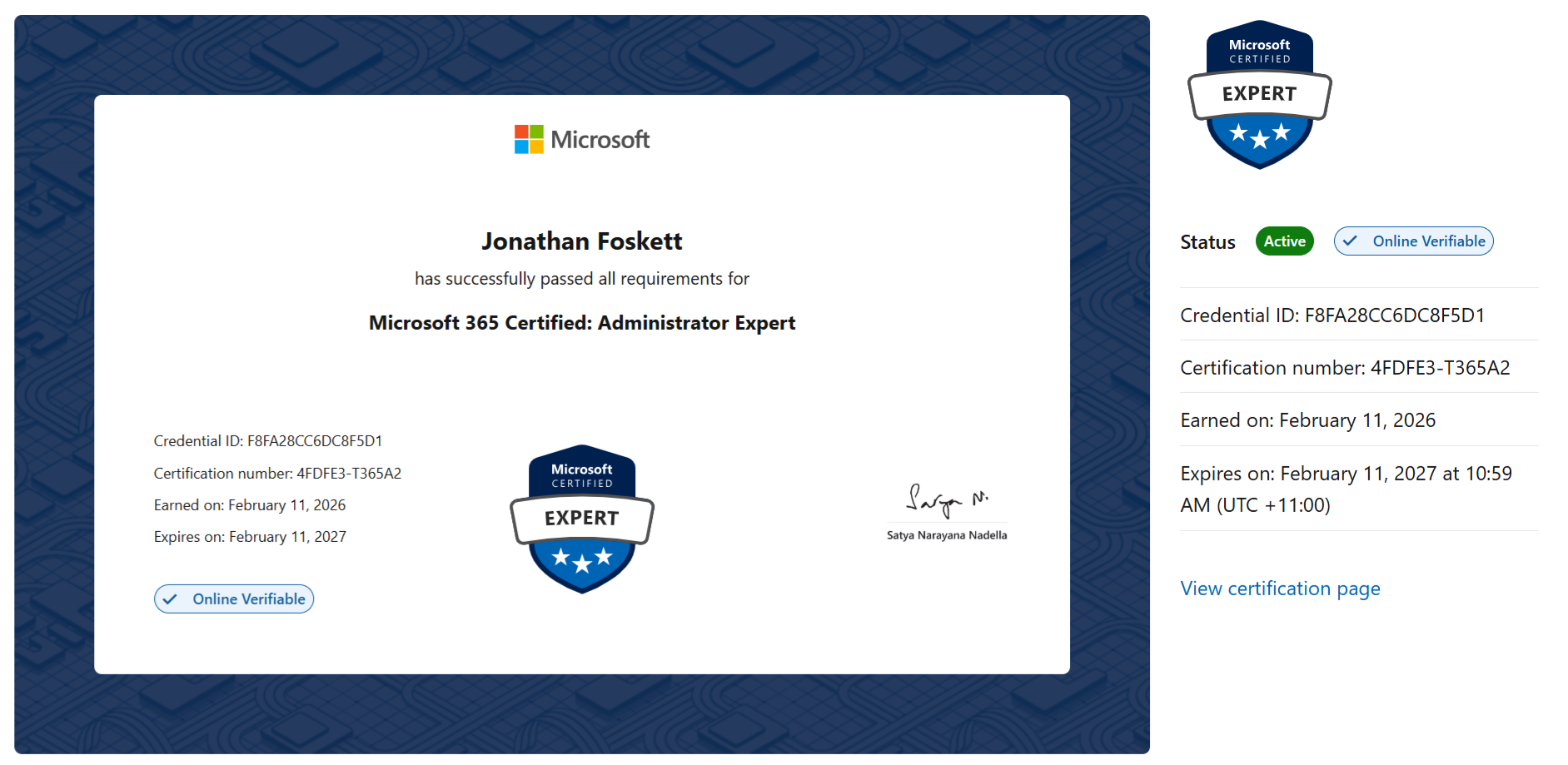
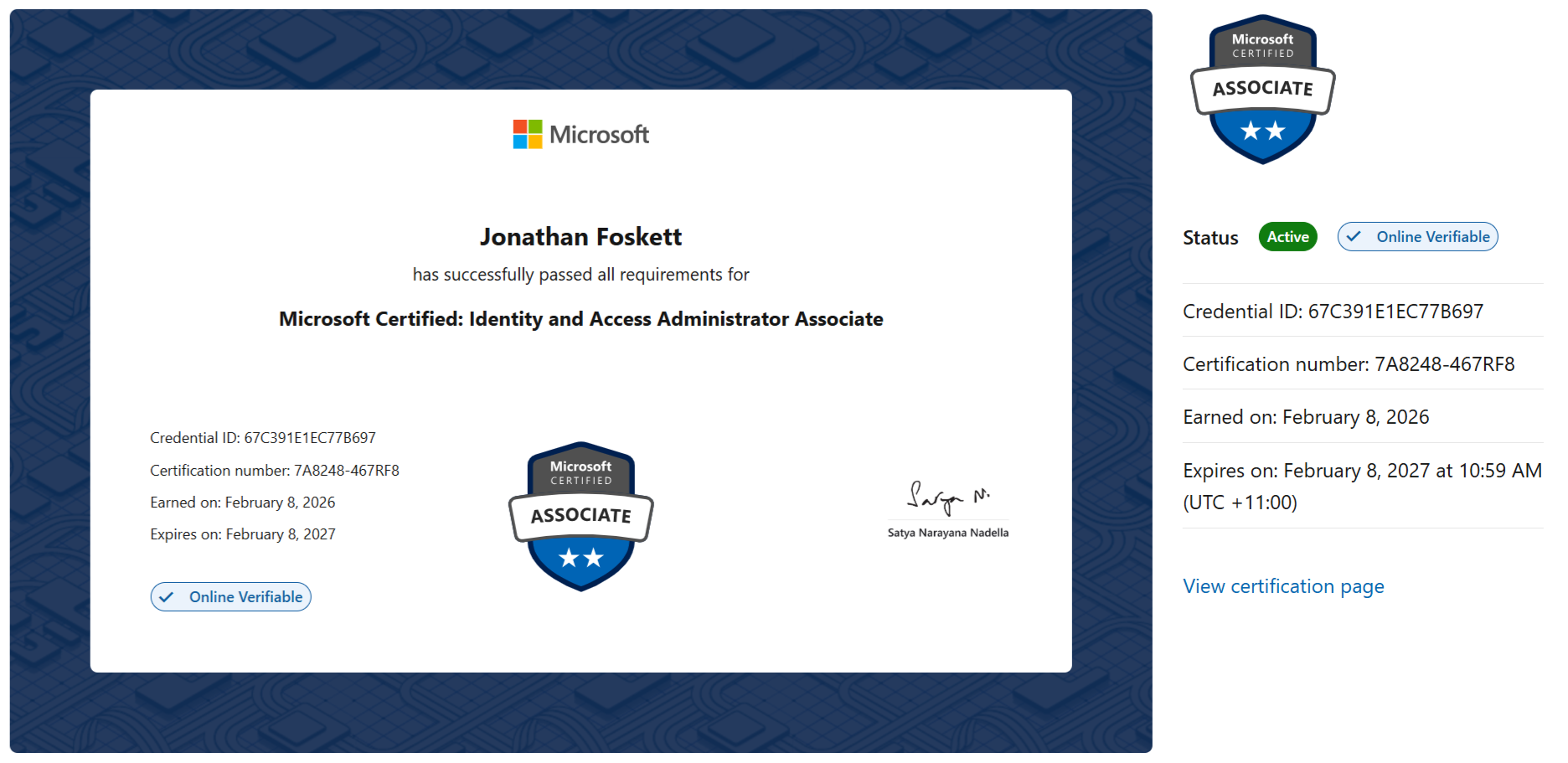
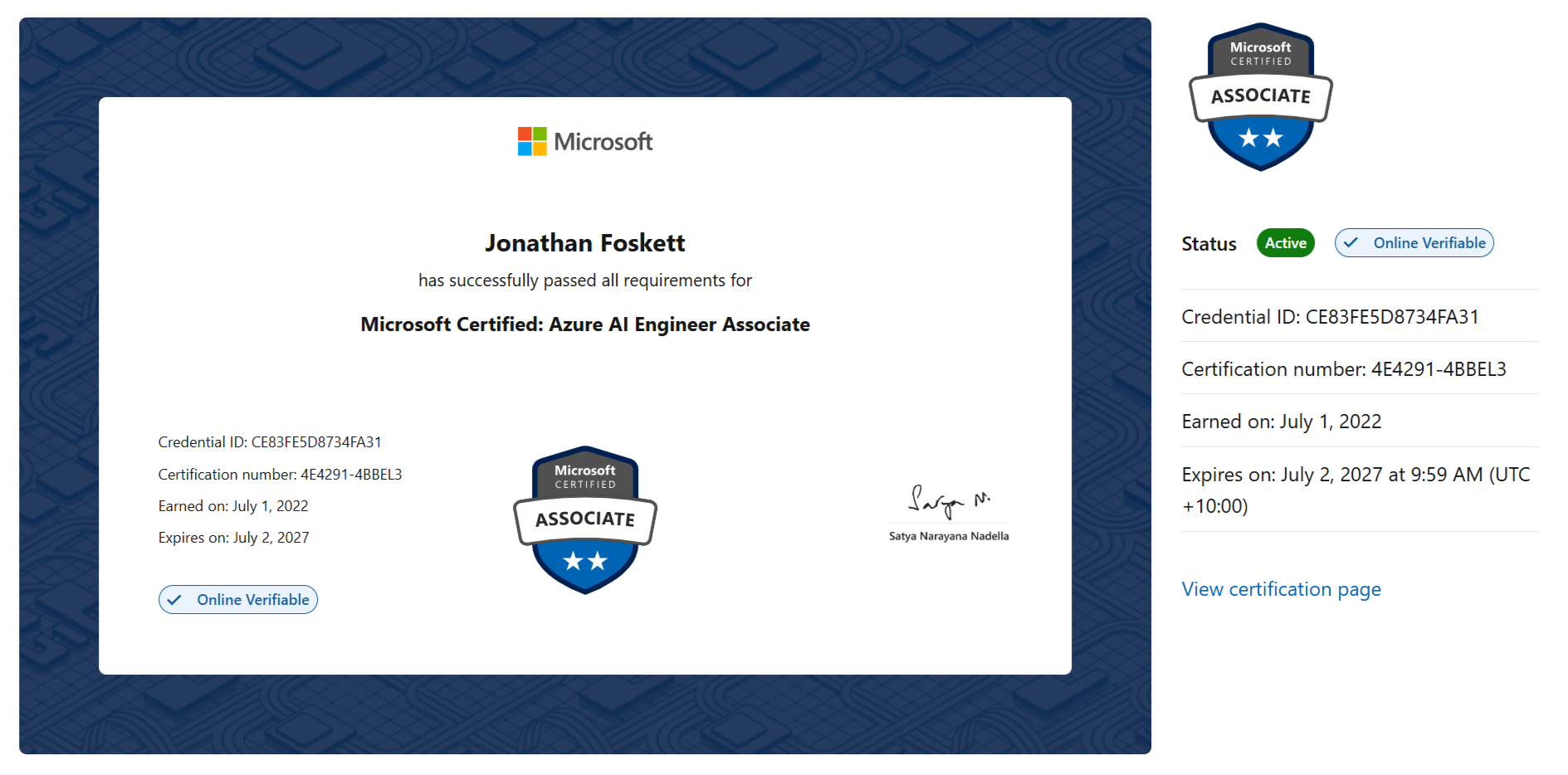
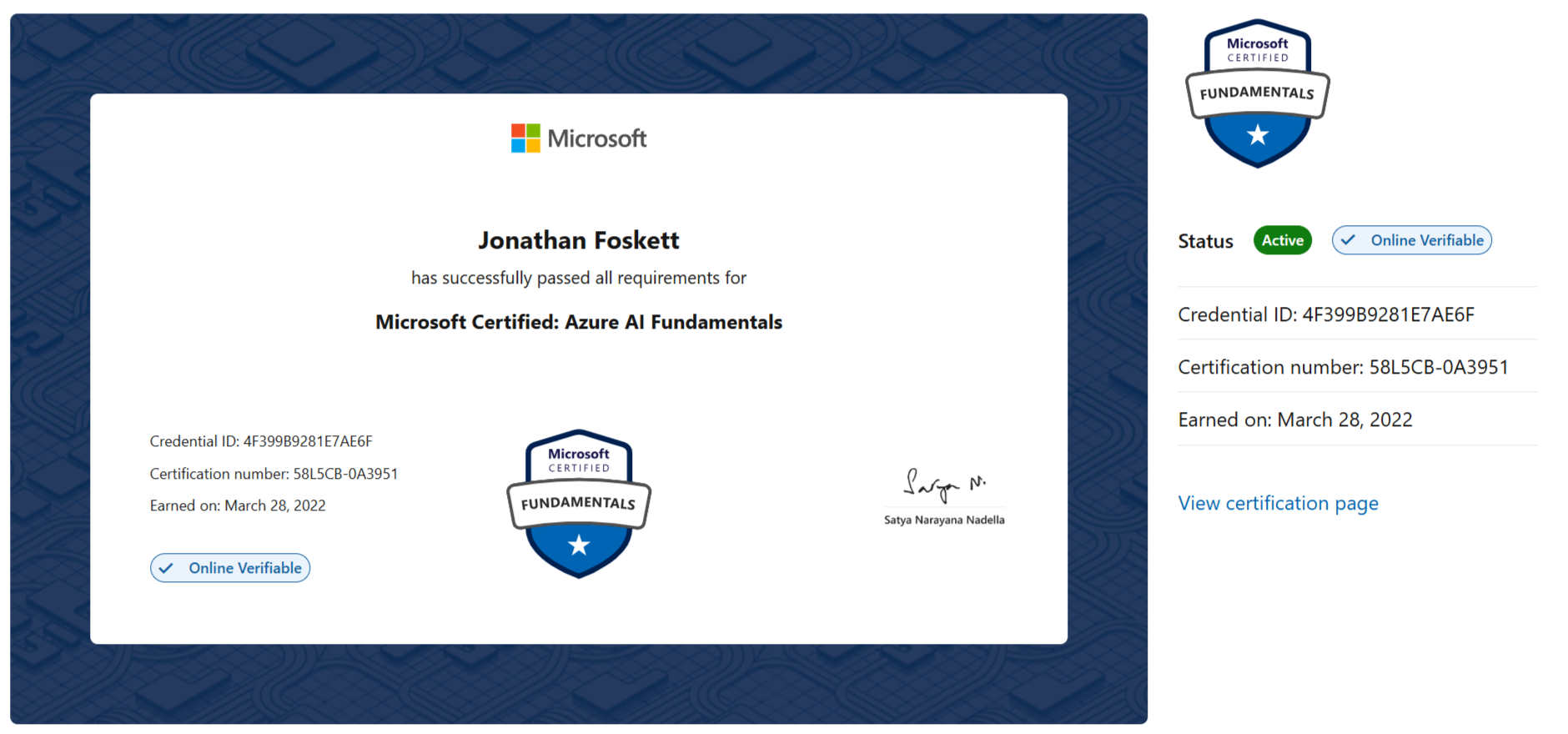
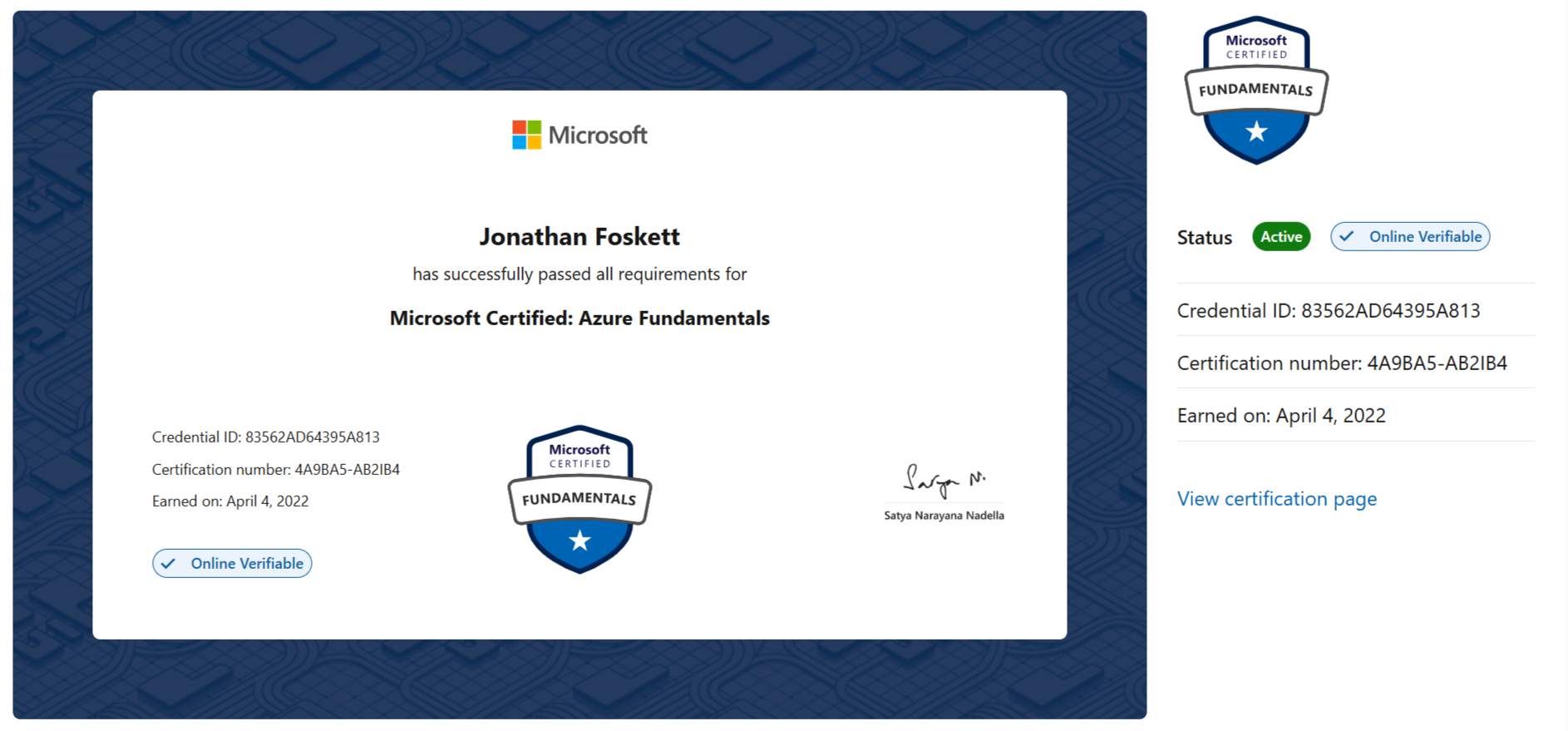
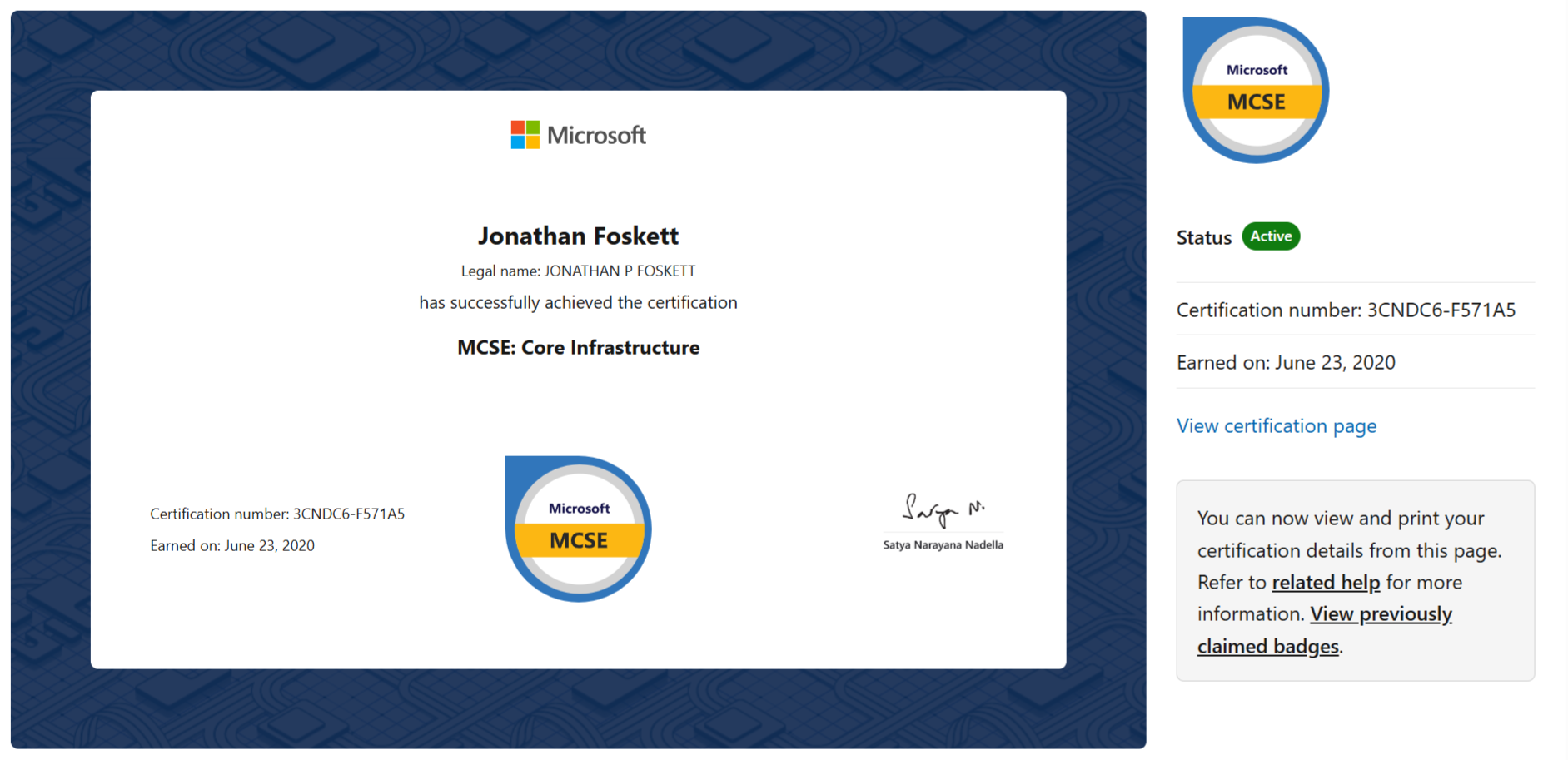
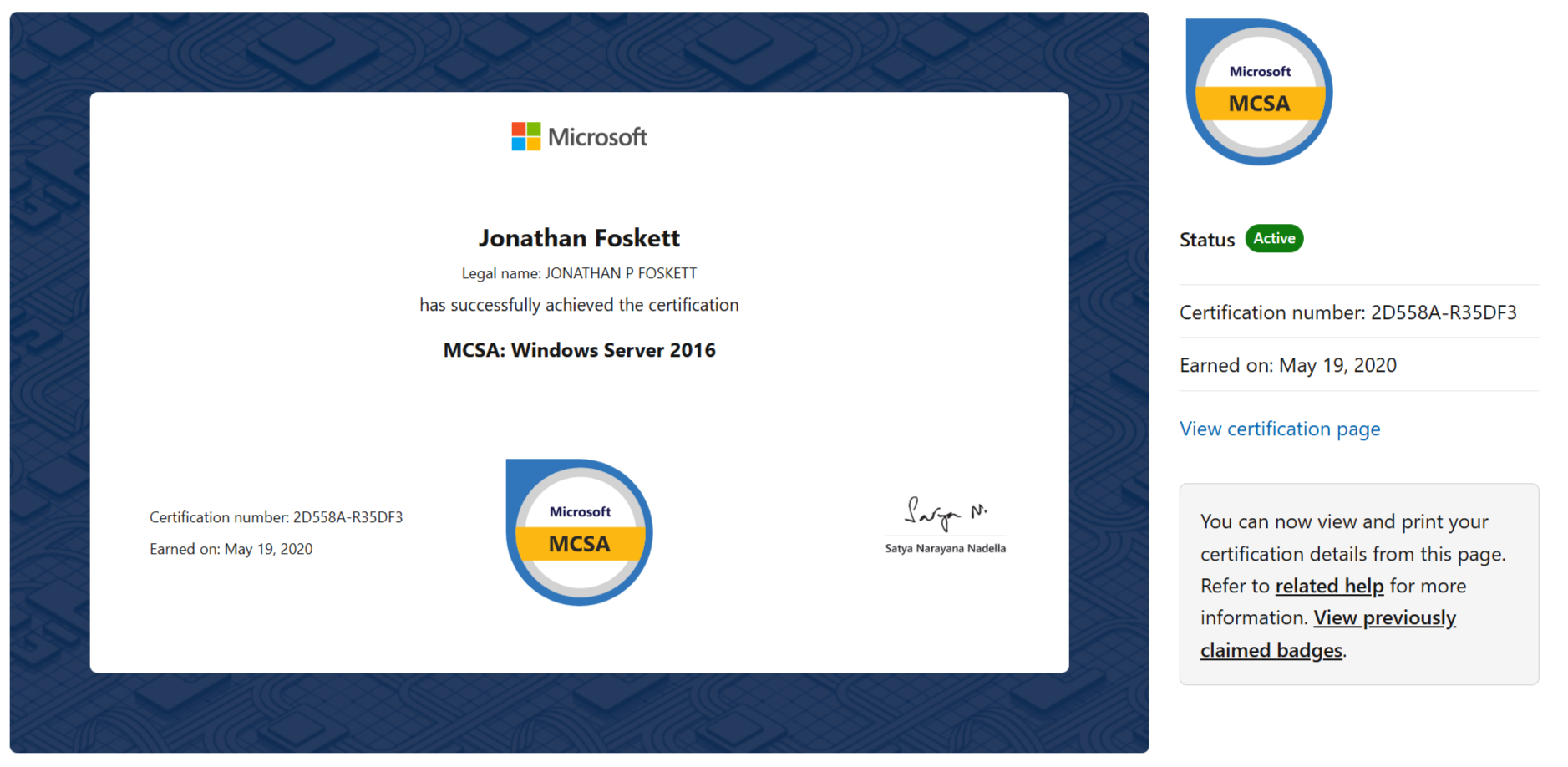
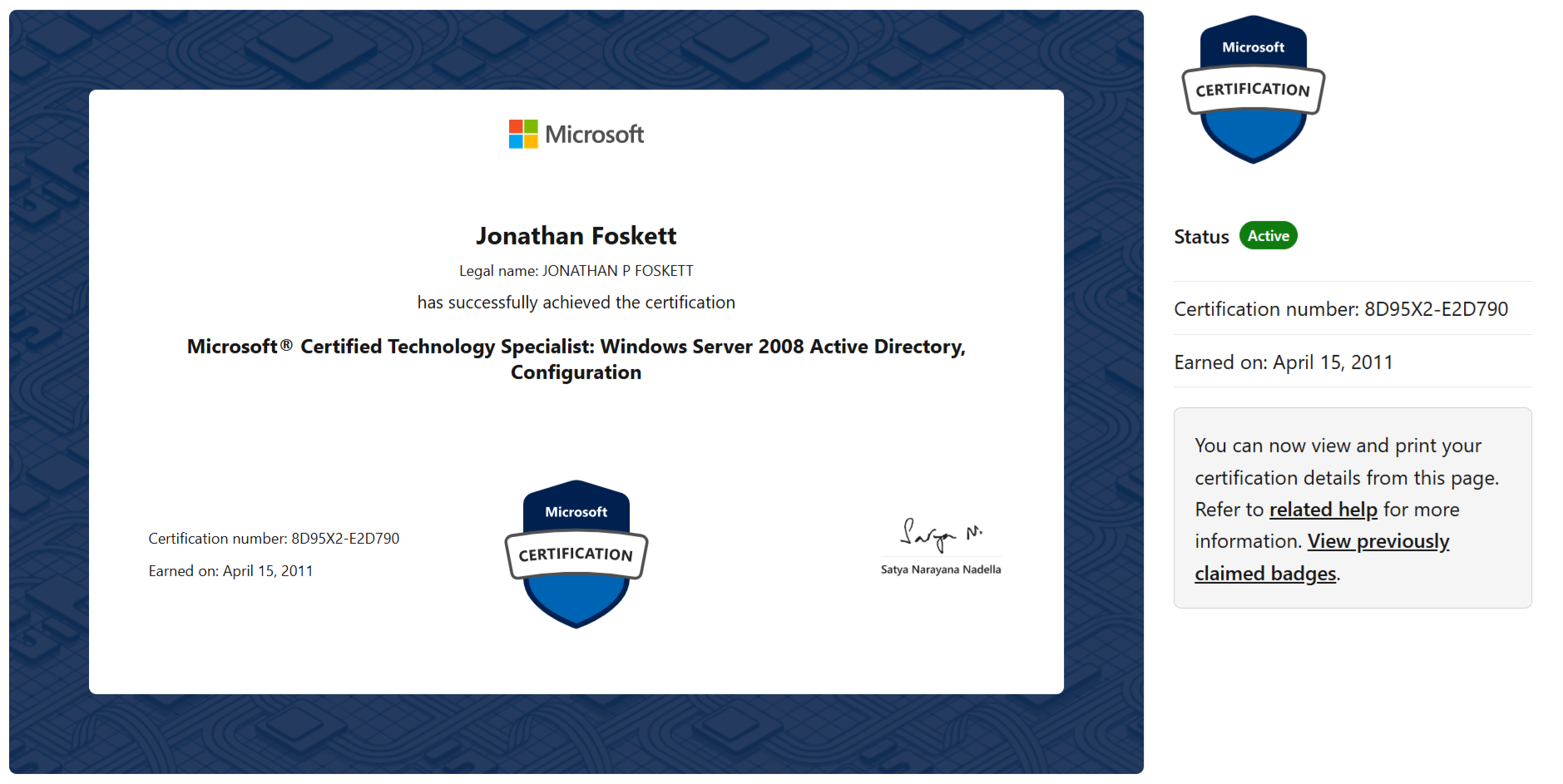
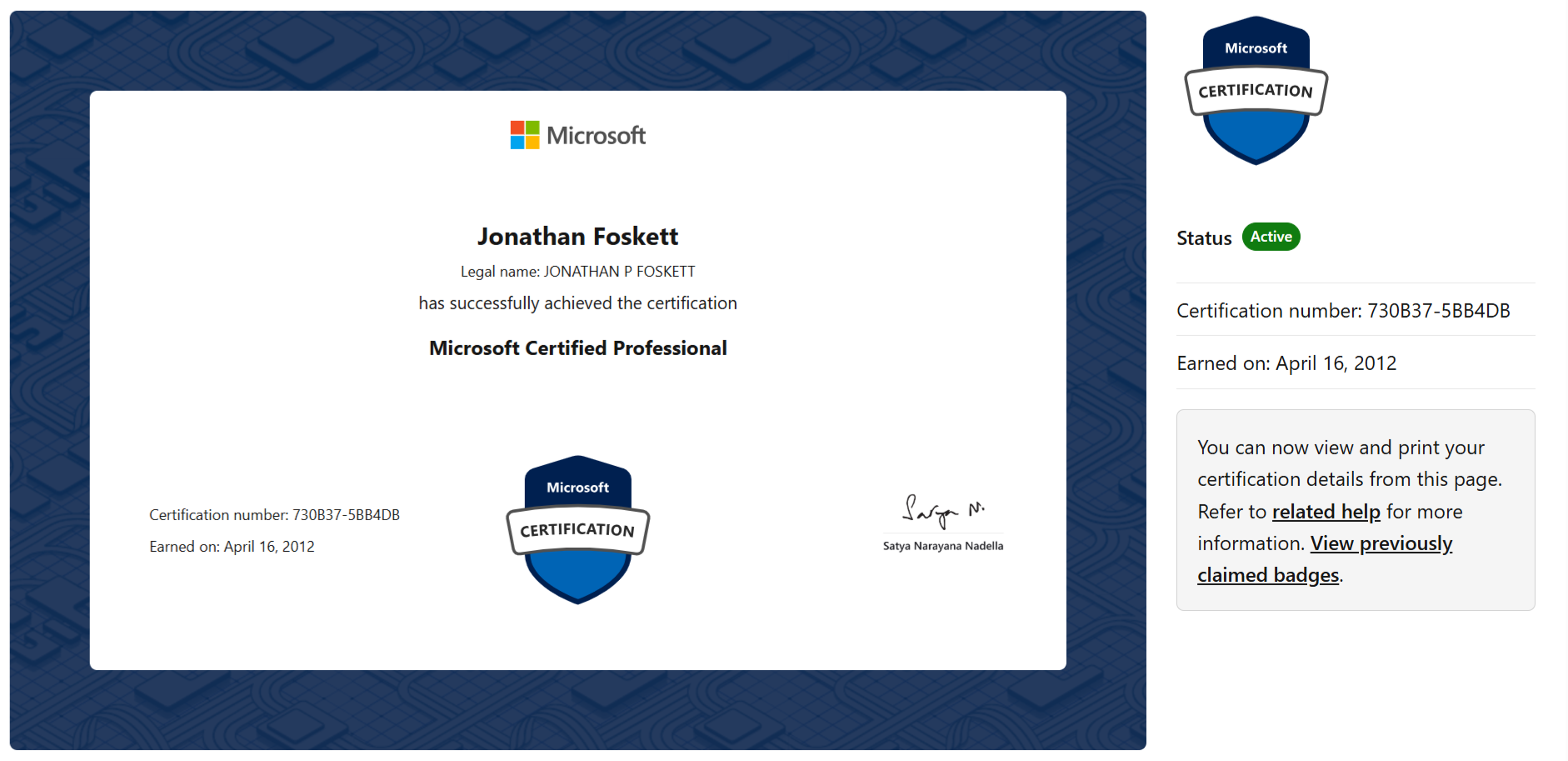
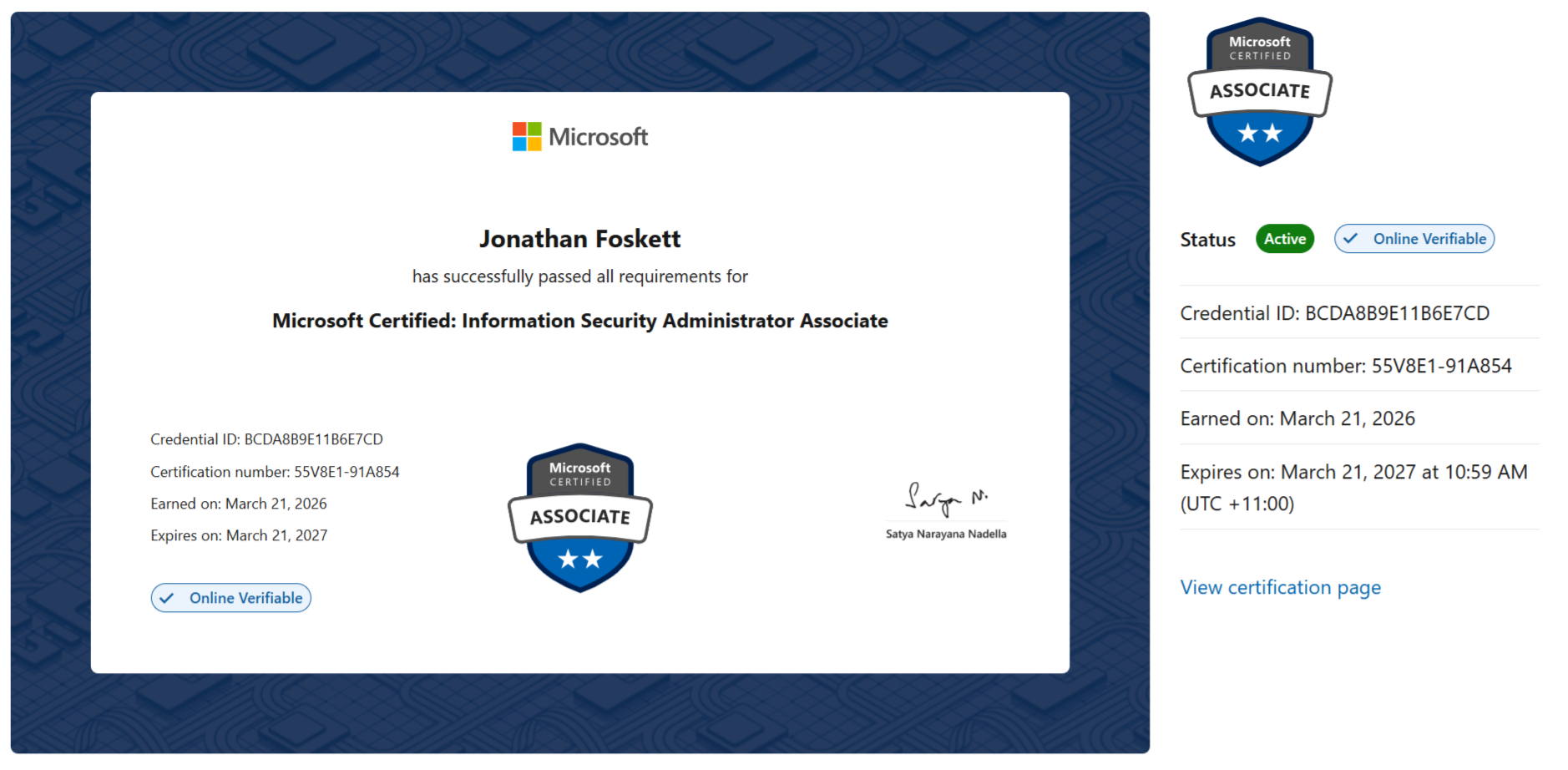
Certifications maintained and refreshed to keep Microsoft security guidance practical, current, and aligned to real environments.
View Microsoft certifications Click to expand
Want to know whether your security operations can handle a real incident?
GEMXIT can review alert ownership, Sentinel and Defender XDR workflows, KQL visibility, detections, automation and evidence handling, then map the findings into a practical improvement roadmap.
Book a Security Operations Review Explore the Sentinel Academy