

Zero Trust
Zero Trust is not a product or a slogan. It is a practical security model that verifies access explicitly, limits privilege and assumes compromise is possible. GEMXIT helps organisations apply Zero Trust across identities, devices, applications, workloads and data using Microsoft Entra, Defender, Intune, Purview and Sentinel — supported by practical Agent Foskett investigation and SOC learning paths.

What this solves
Zero Trust helps businesses move away from broad trust assumptions and toward smaller, more deliberate access decisions based on identity, device, and context.
Why Zero Trust matters
How Microsoft supports Zero Trust
What GEMXIT helps with
Common Zero Trust gaps
Zero Trust principles in Microsoft environments
Continue learning with Agent Foskett
Build Zero Trust through connected learning paths
Zero Trust spans identity, device, workload, data and security operations. The Agent Foskett Academy connects these areas through Microsoft Entra, Defender for Endpoint, Defender for Cloud, Microsoft Sentinel and Security Copilot lessons built around practical investigation and control design. The KQL Academy has now reached Lesson 170, and the SOC Analyst Academy has 21 published lessons.
Frequently asked questions
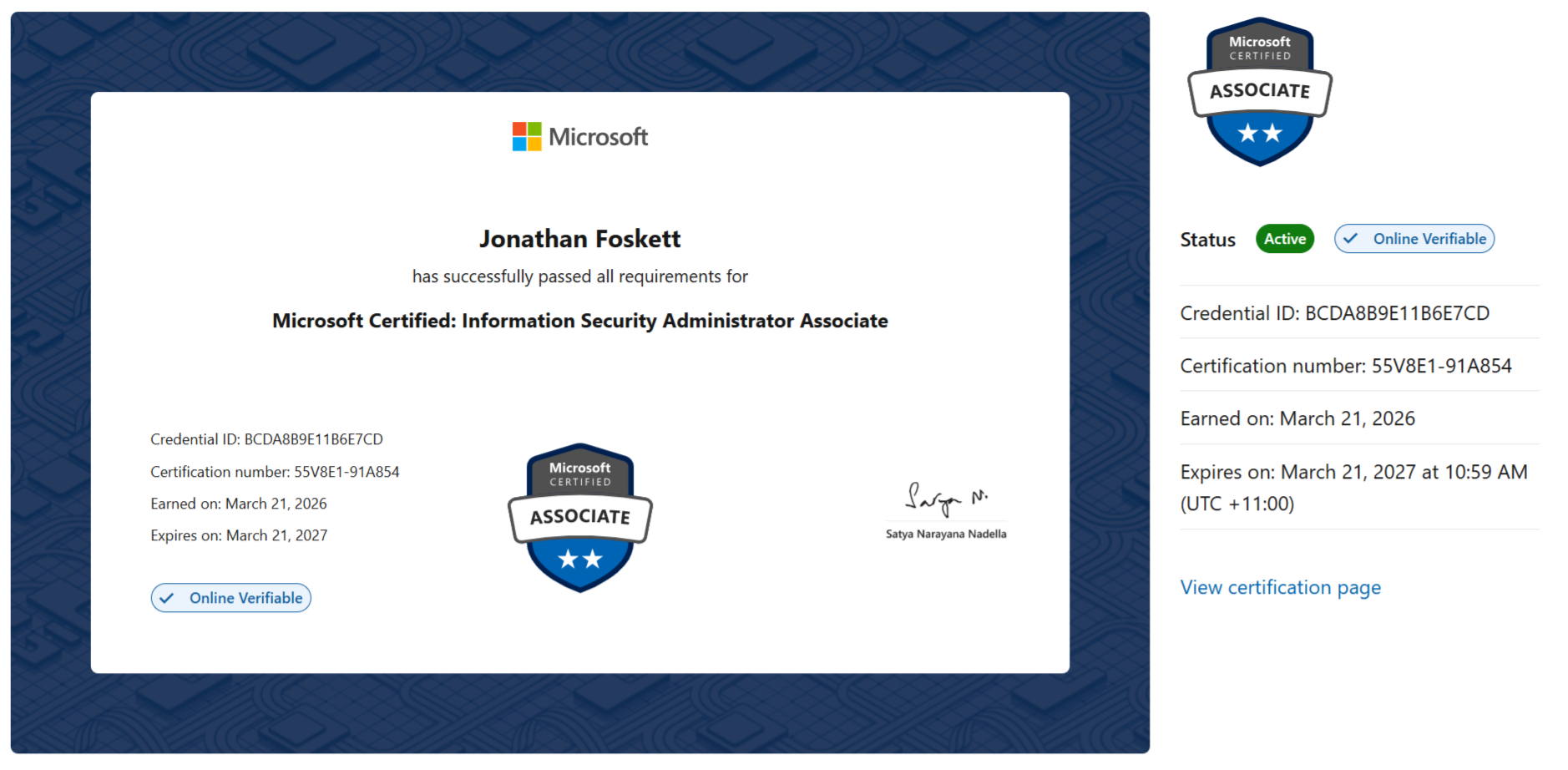
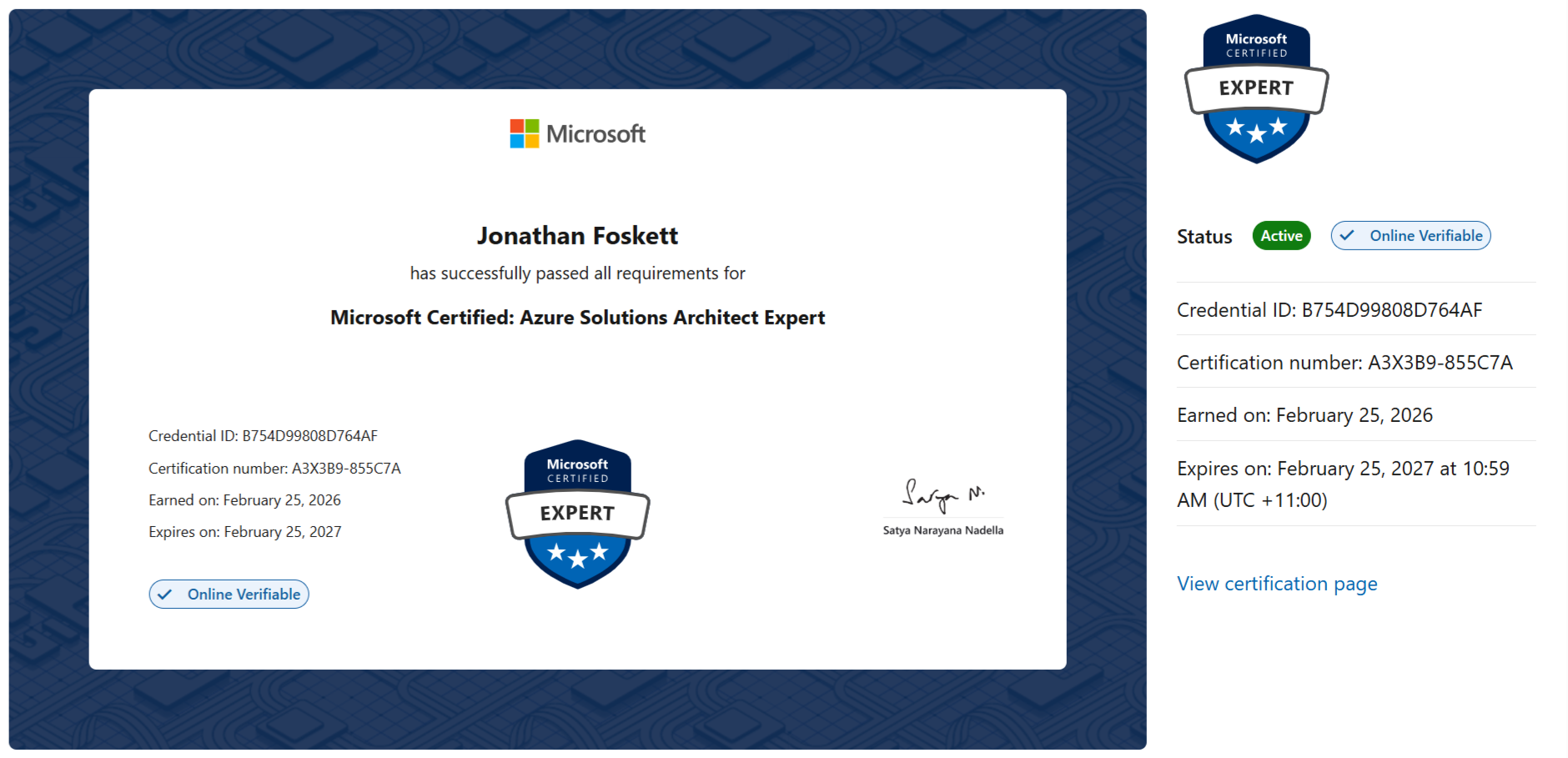
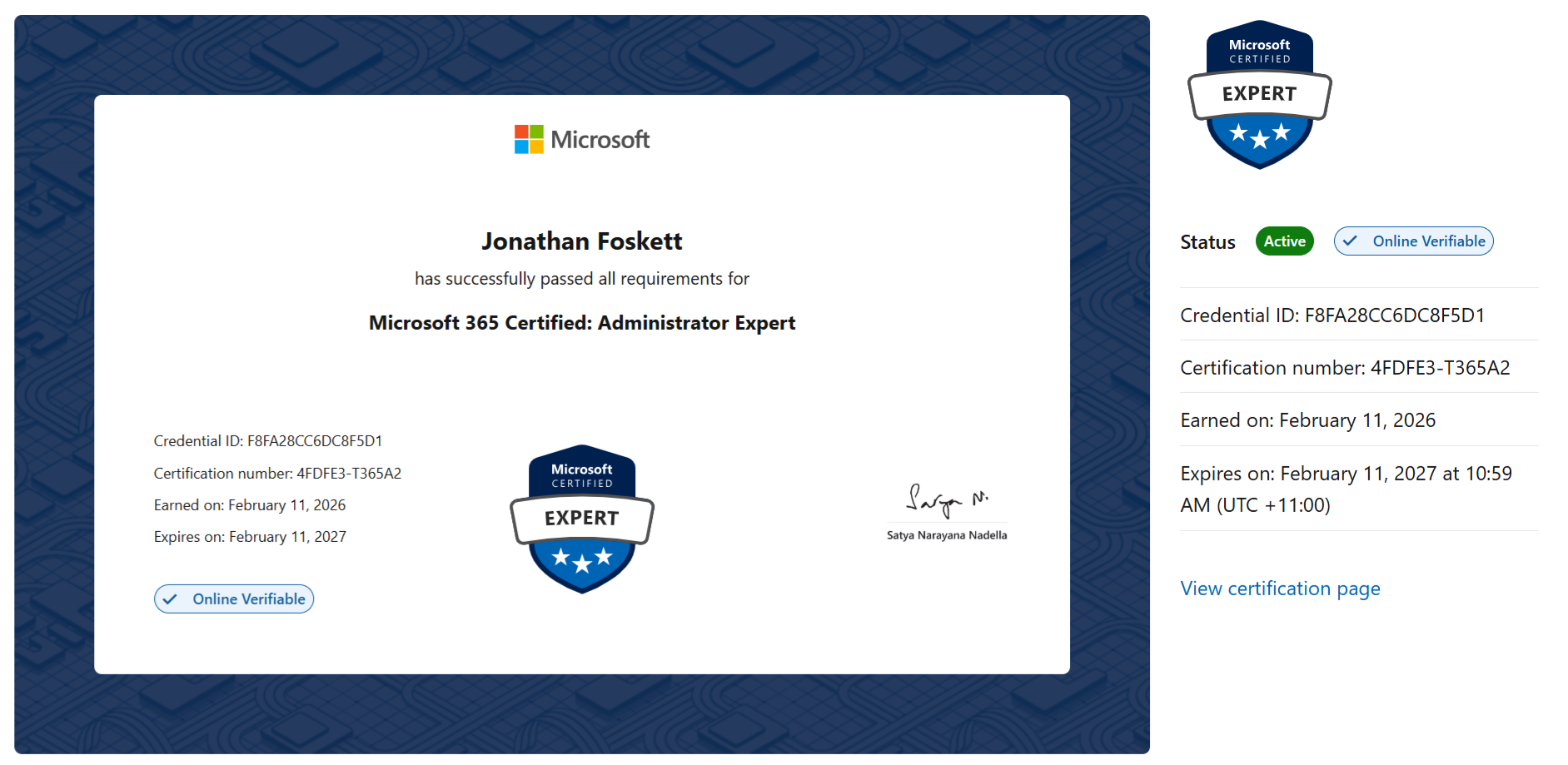
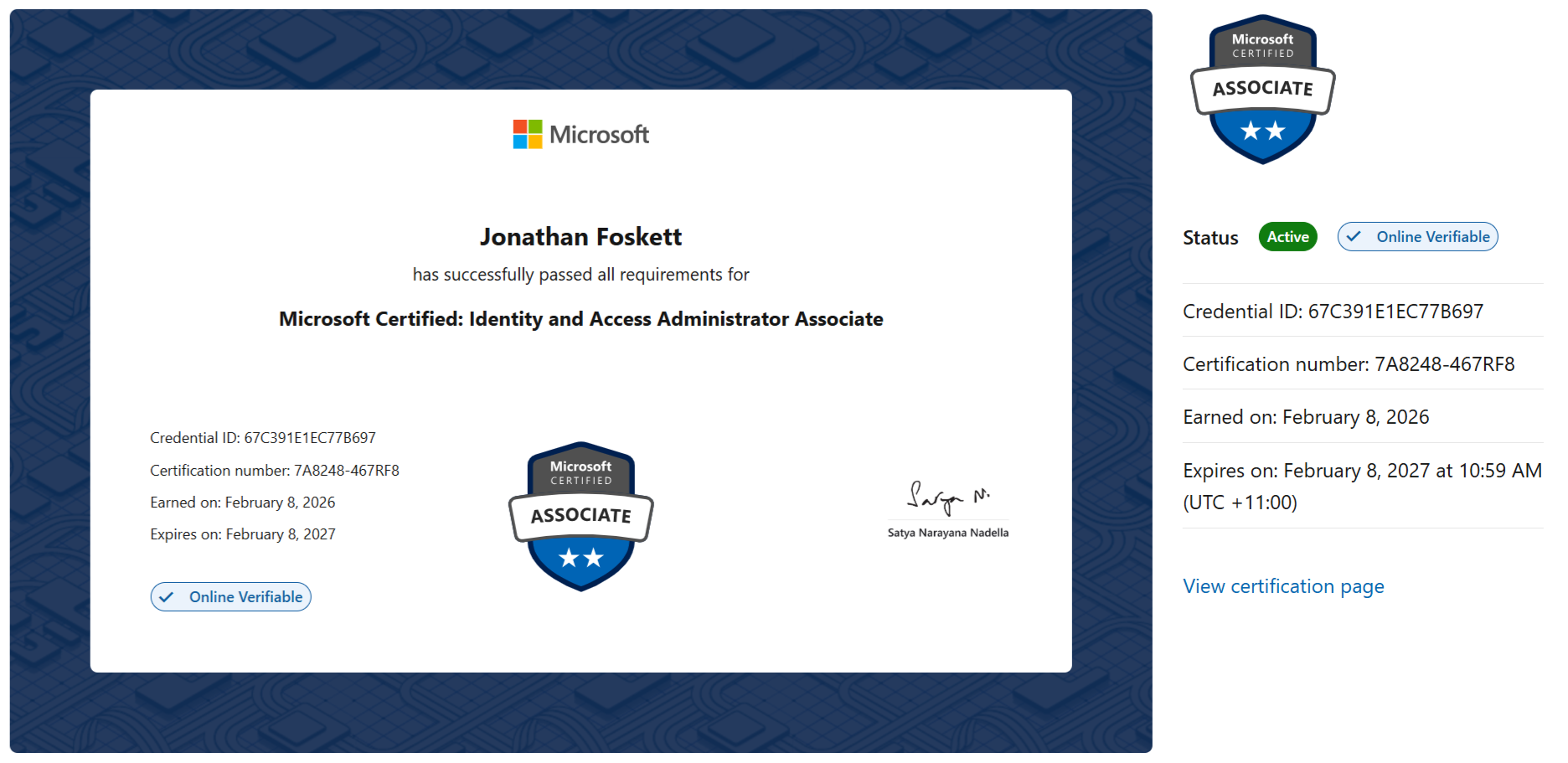
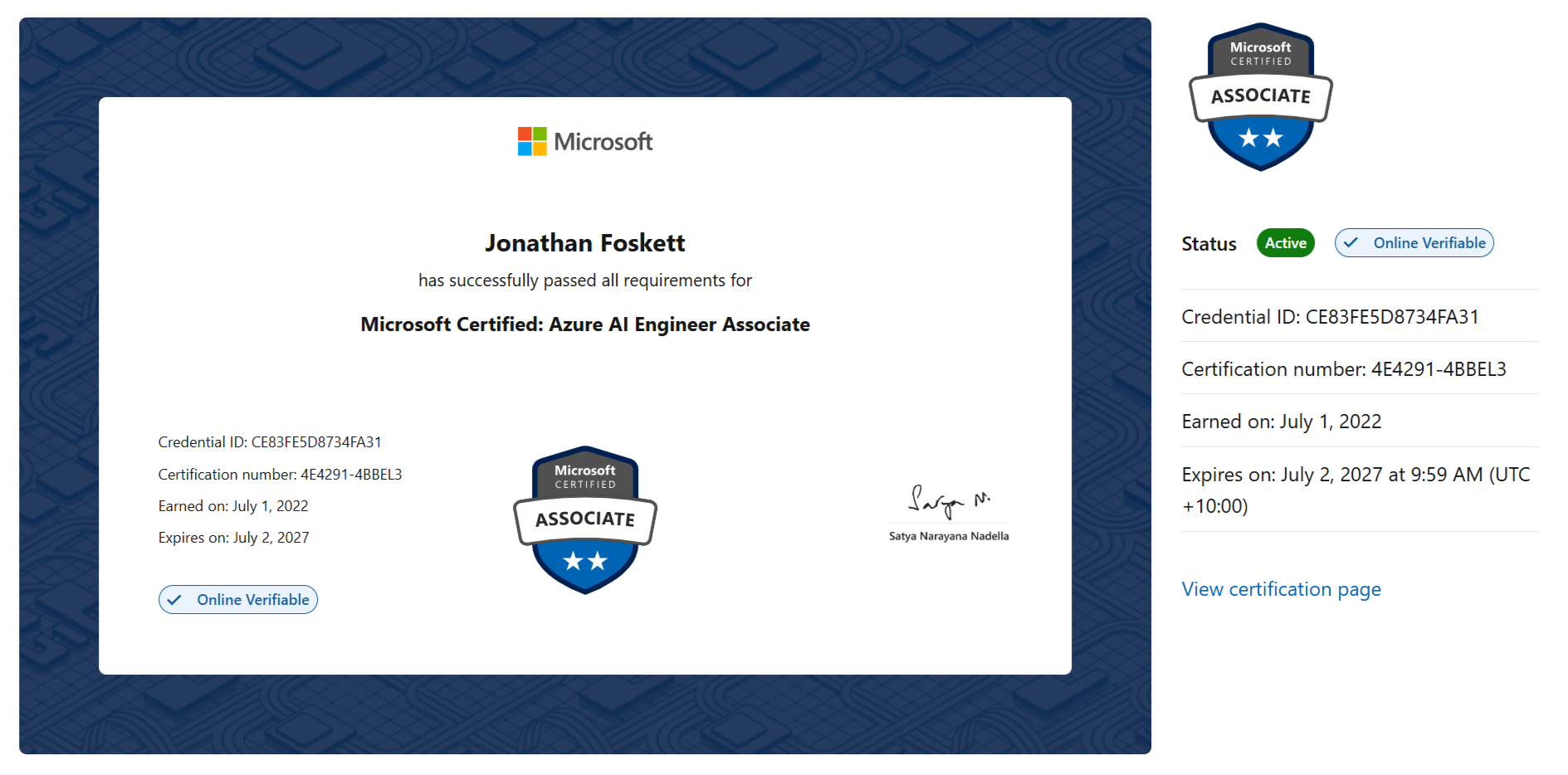
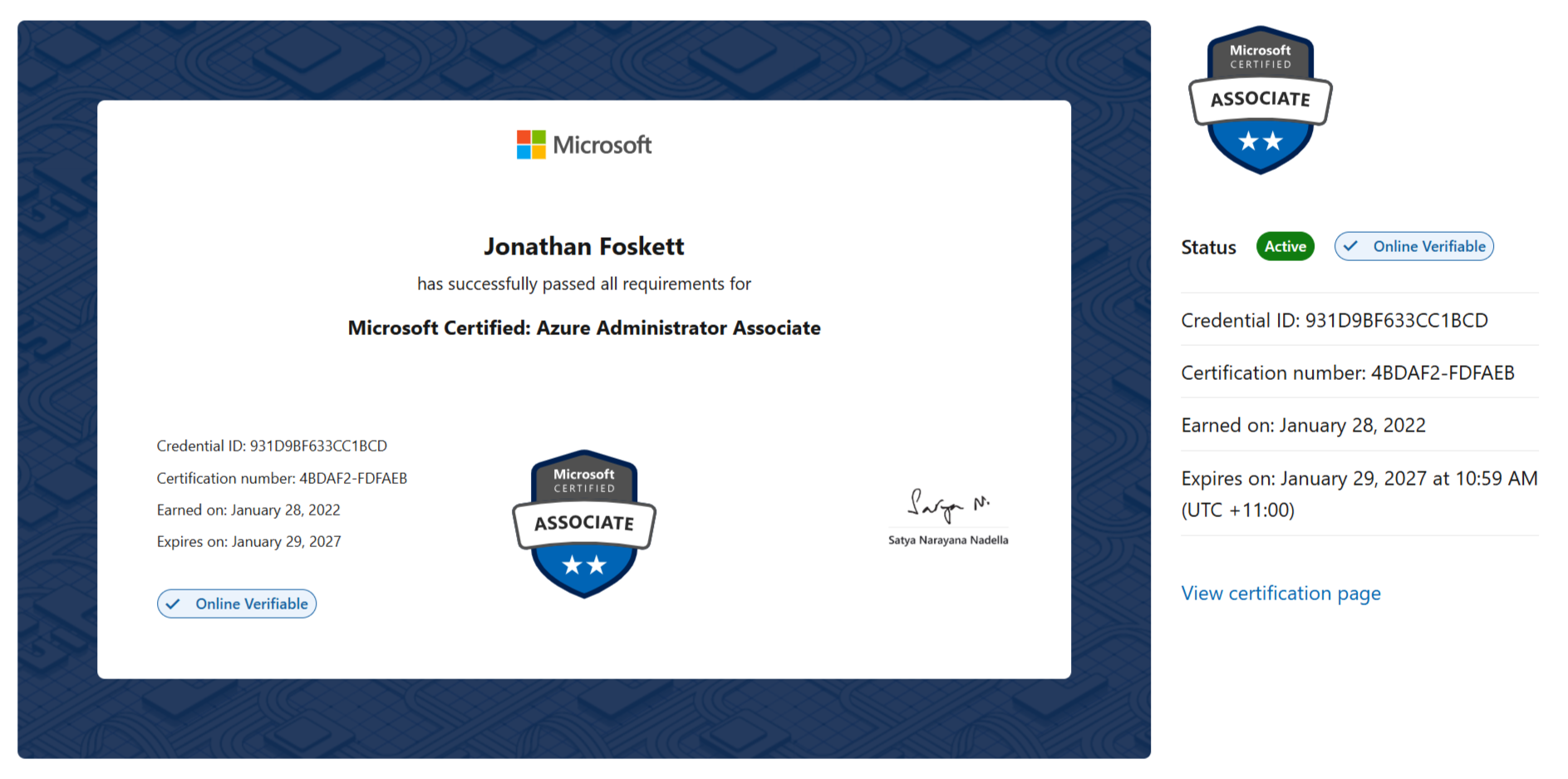
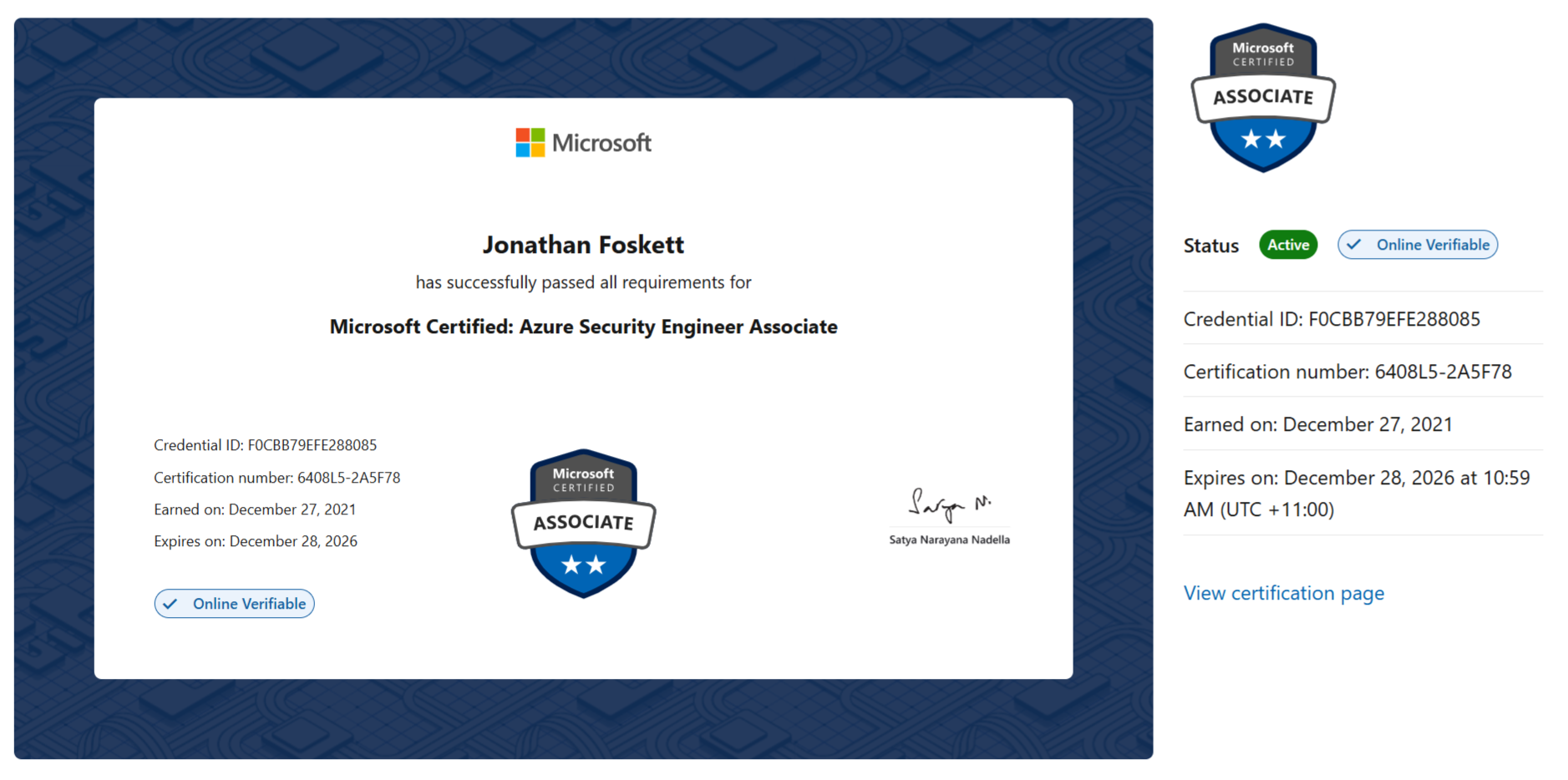
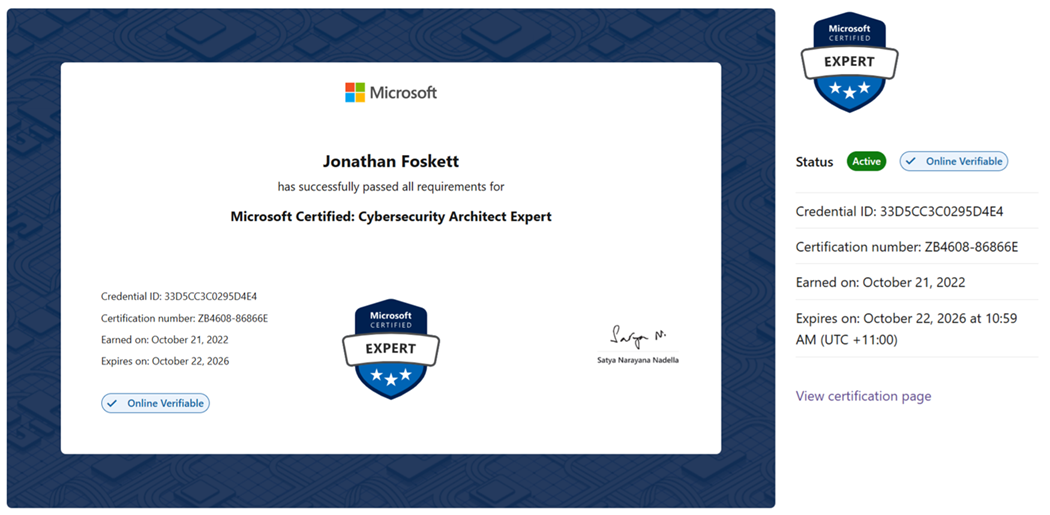
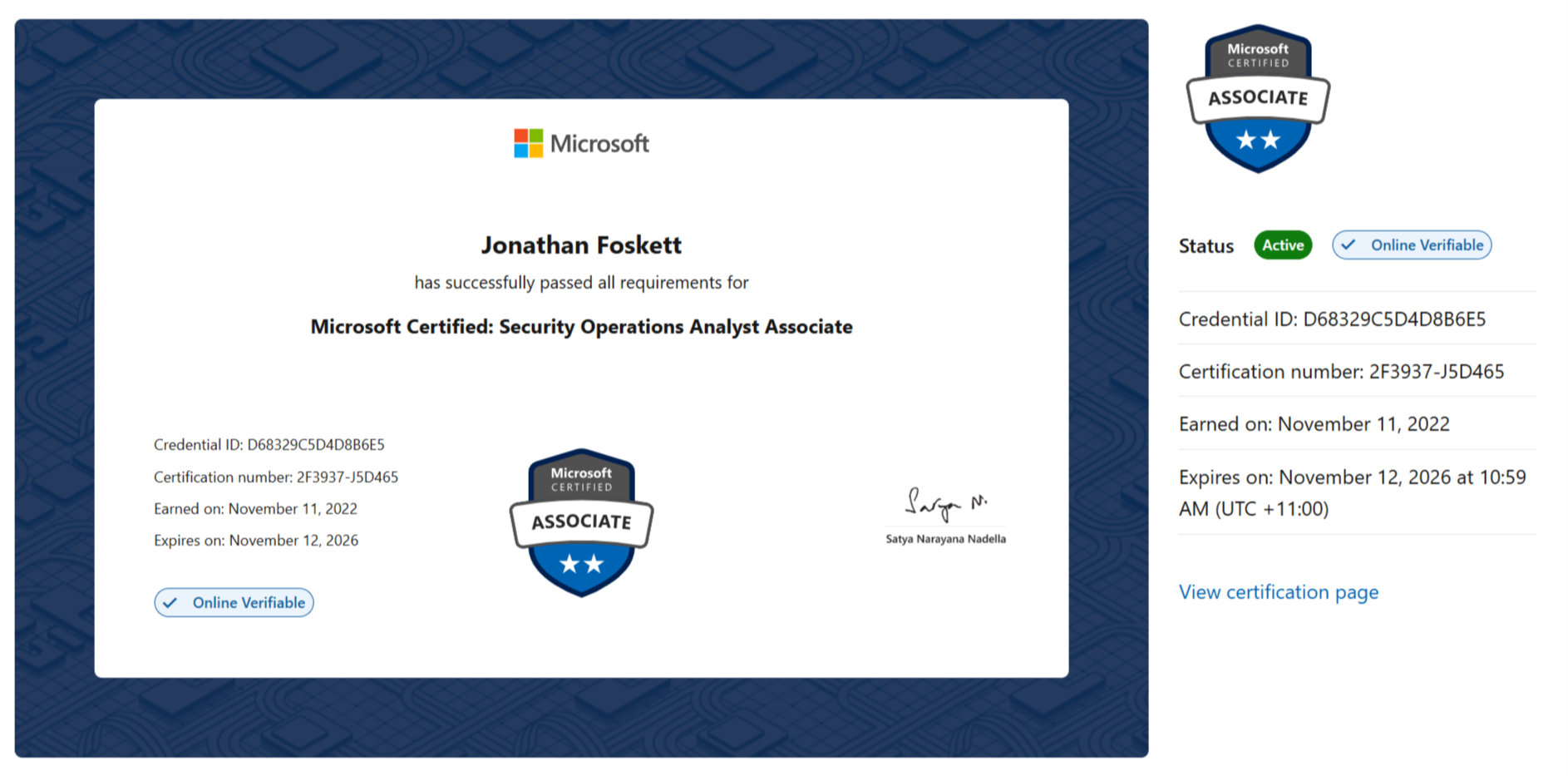
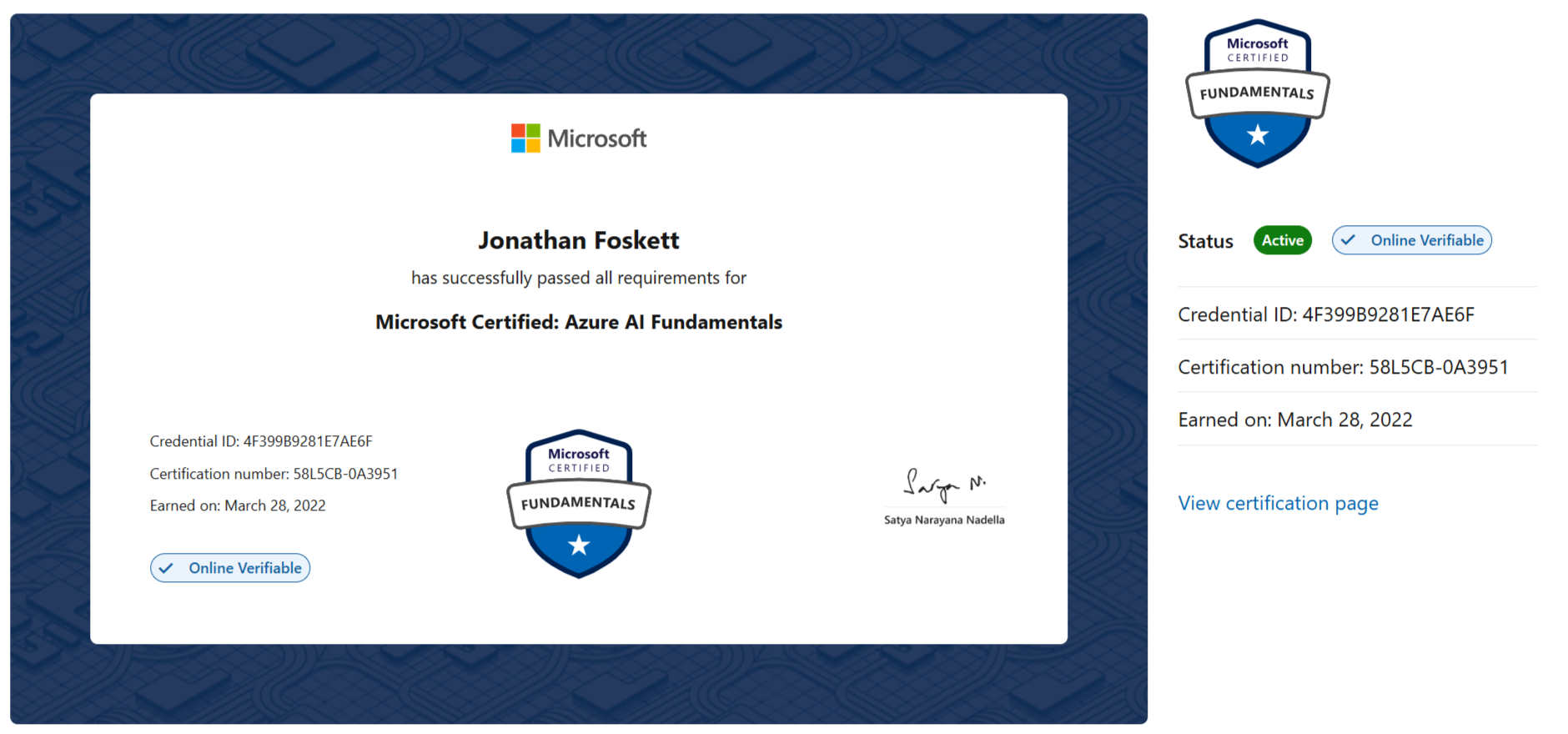
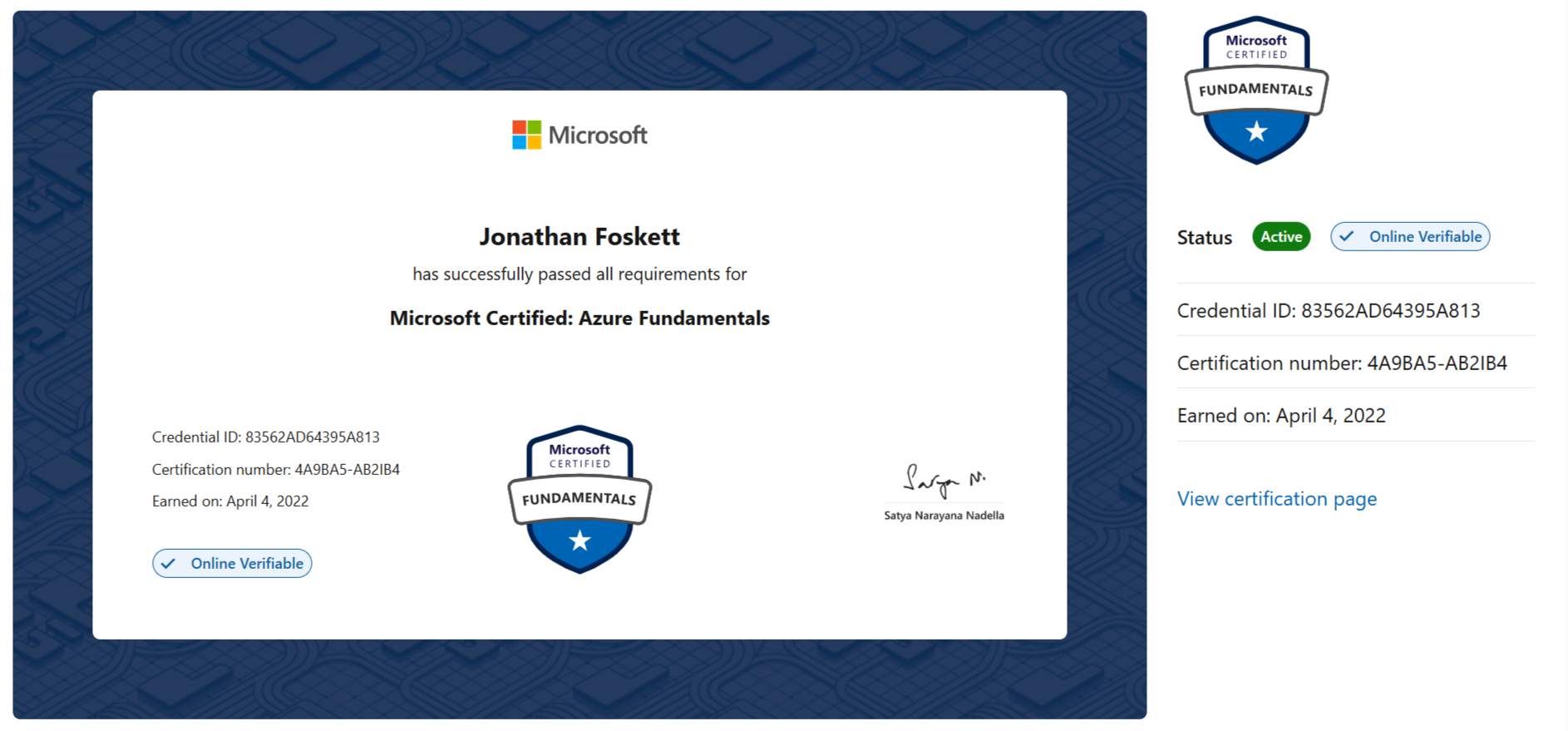
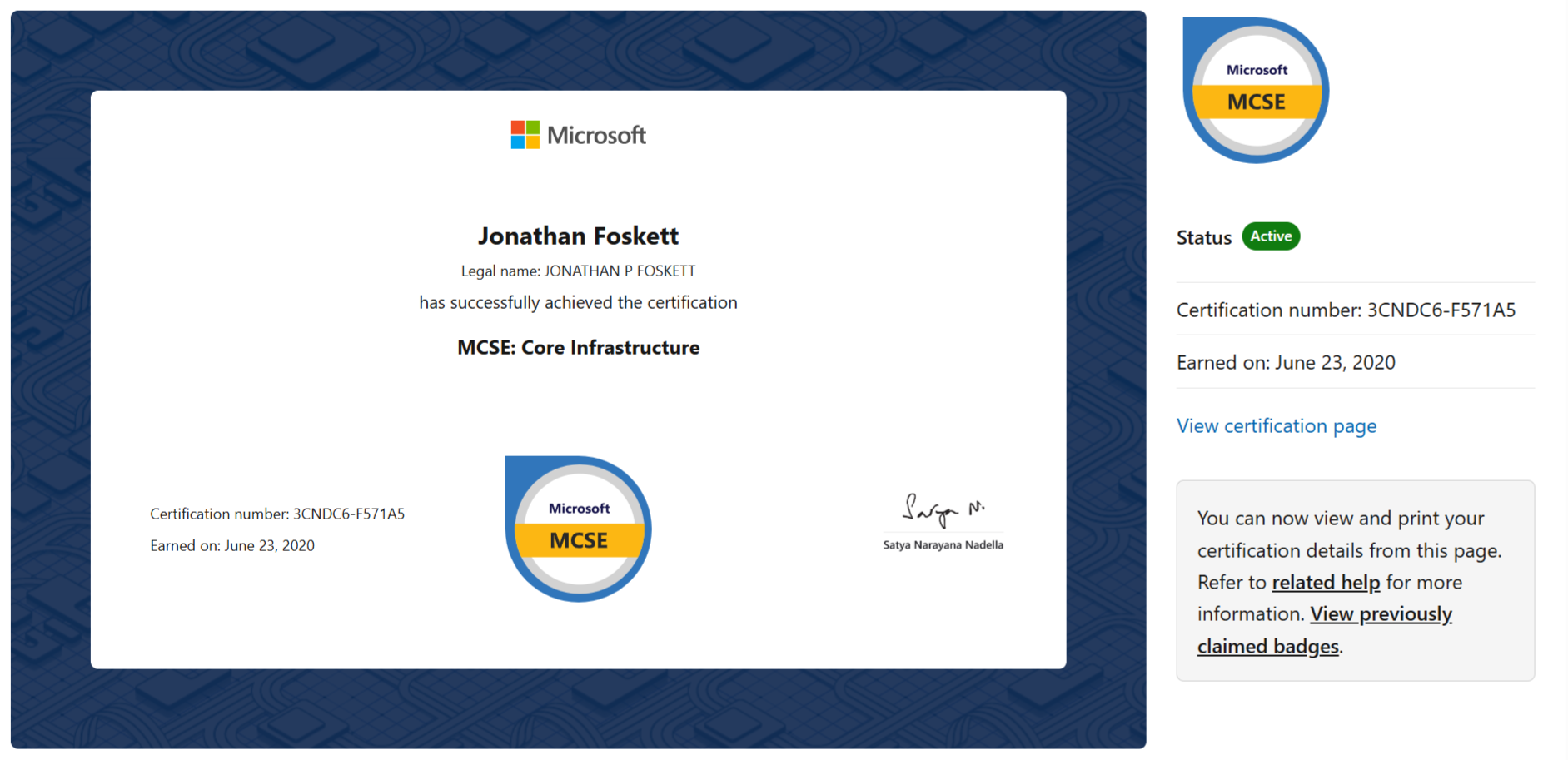
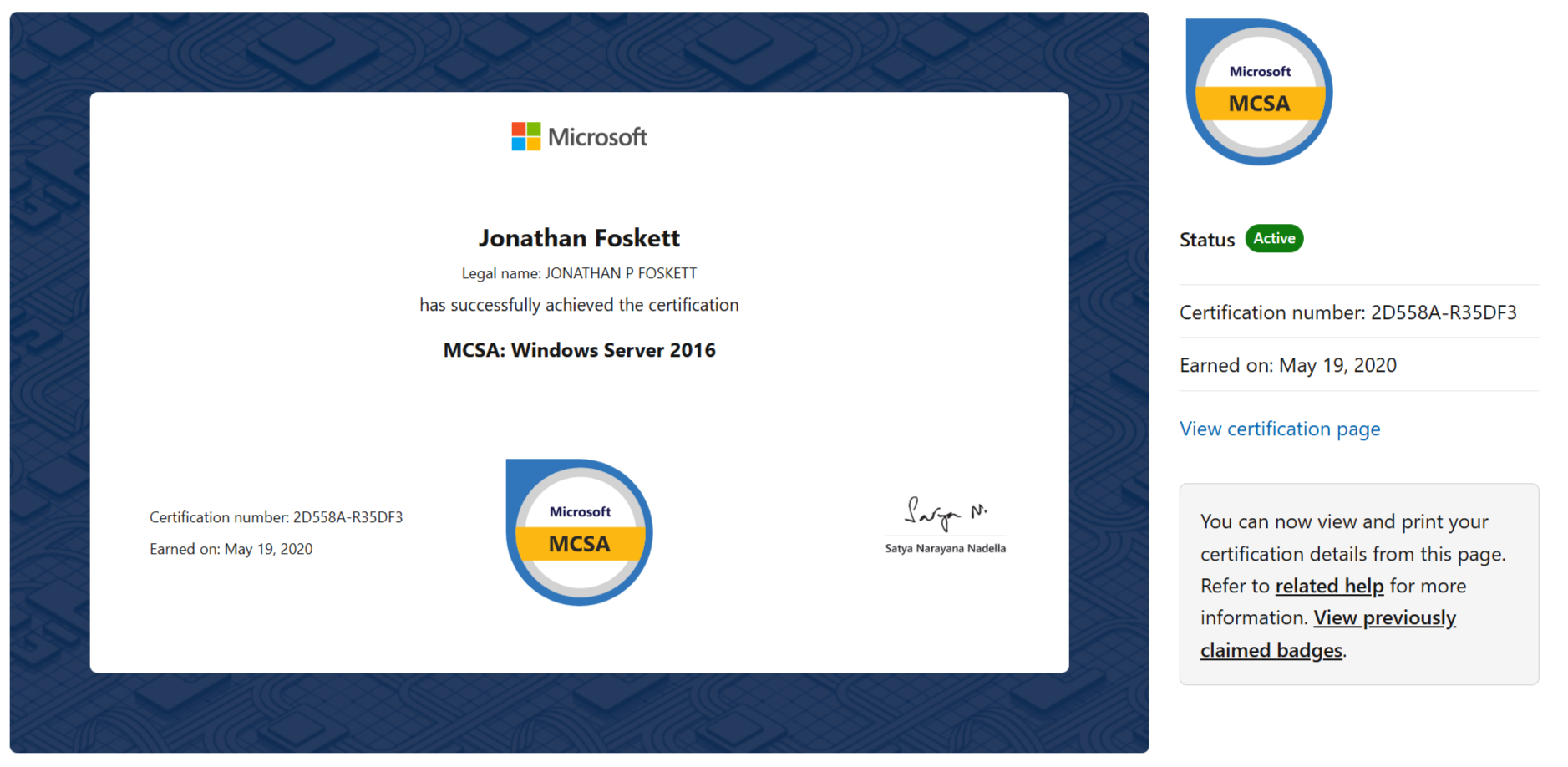
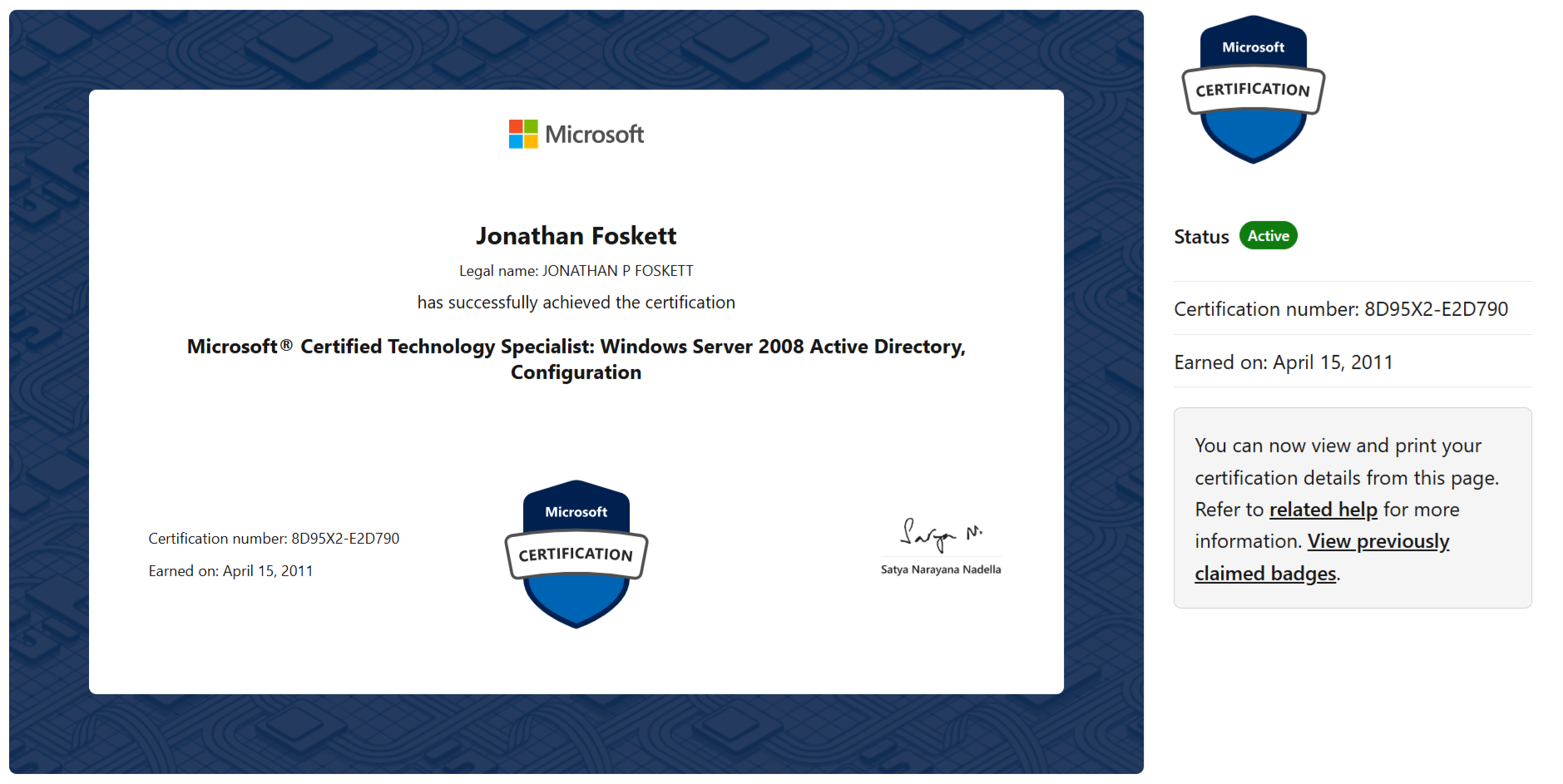
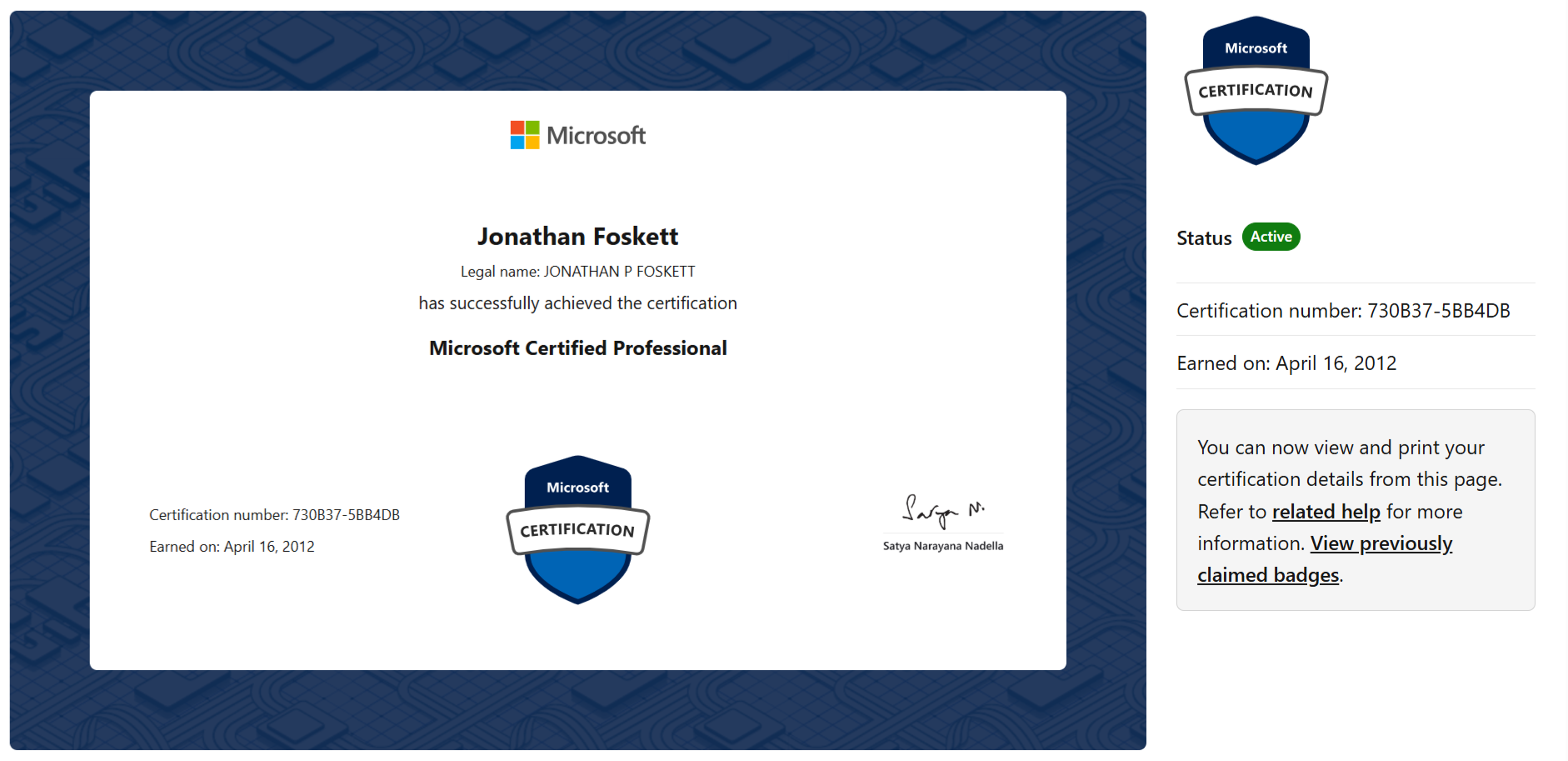
Microsoft certifications
View Microsoft certifications Click to expand
 GEMXIT PTY LTD GEMXIT UK LTD © GEMXIT