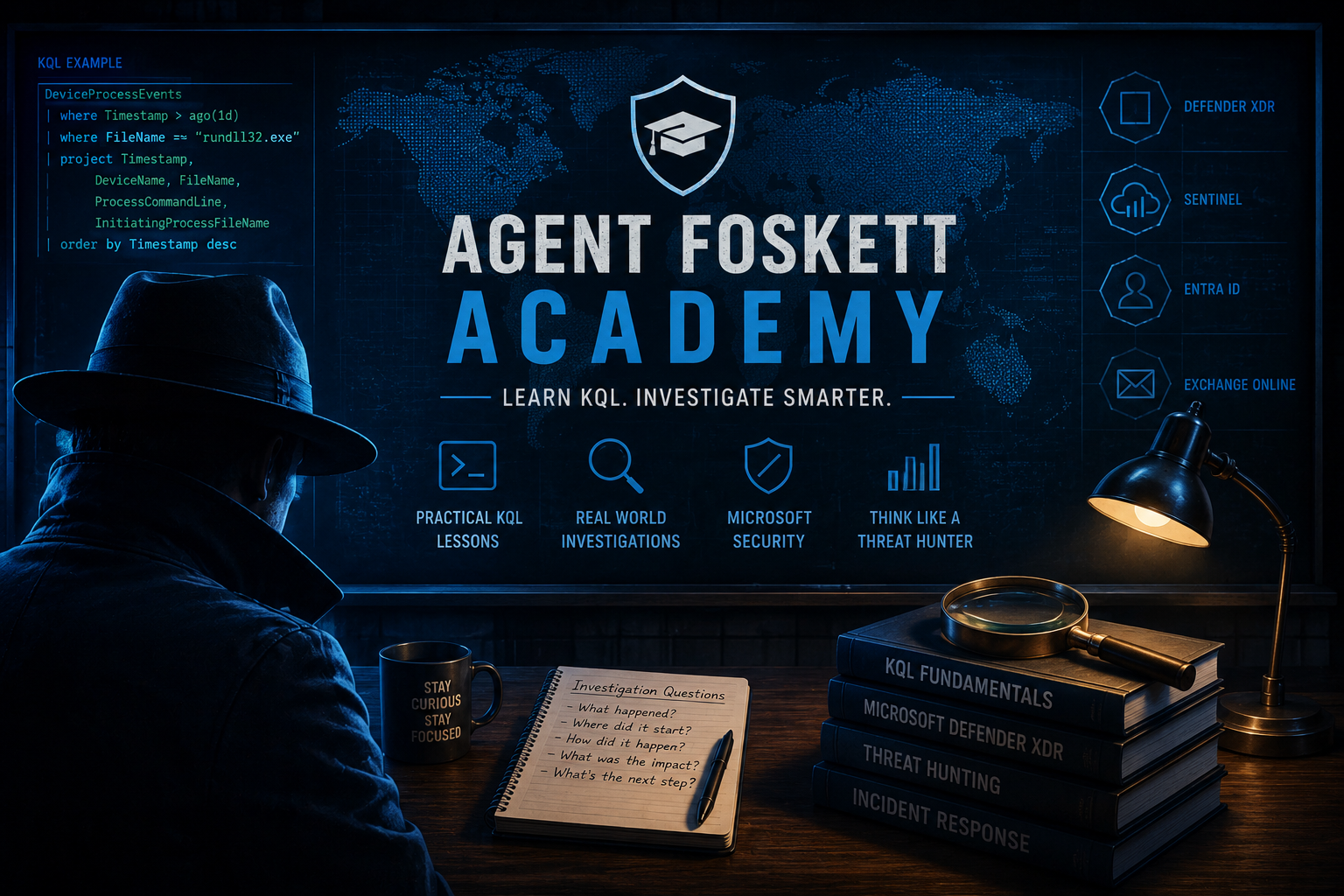
Agent Foskett Academy β€’ Learn KQL β€’ Microsoft Defender XDR

Agent Foskett Academy

KQL is not just query syntax.

It is how investigators ask questions of telemetry.

Inside Microsoft Defender XDR, Microsoft Sentinel, Entra ID and Exchange Online, the logs are constantly telling a story. The challenge is learning how to read that story, narrow the noise and follow the evidence.

Agent Foskett Academy was built to help analysts, engineers, students and defenders learn practical KQL through real-world investigations, Microsoft security telemetry and genuine threat hunting workflows.

This is not about memorising commands. It is about learning how to think like an investigator.

Agent Foskett Academy learning KQL through Microsoft Defender XDR investigations
Academy overview

Learn how to investigate Microsoft security telemetry using practical KQL examples, Defender XDR hunting, Sentinel investigations and real-world attack scenarios.

Learn practical KQL
Understand Microsoft telemetry
Think like a threat hunter
🧠 KQL is how investigators ask questions of data.
Agent Foskett Academy focuses on practical investigations, Defender XDR hunting and learning how to follow the evidence inside Microsoft telemetry.
Contact GEMXIT β†’

What is Agent Foskett Academy?

Agent Foskett Academy is a practical Microsoft security learning path for people who want to understand KQL, Defender XDR telemetry and real-world threat hunting. The aim is simple: help defenders move from staring at logs to asking better investigation questions.
Built for real investigationsThe lessons connect KQL syntax to real security questions across email, identity, endpoint and cloud telemetry.
Beginner friendlyStart with the basics: tables, filters, timestamps, columns and reading your first KQL query without getting overwhelmed.
Investigator mindsetThe goal is not only to learn commands. The goal is to understand what the data is trying to tell you.

πŸŽ“ KQL Learning Path

This learning path starts with the fundamentals and builds toward real-world Microsoft Defender XDR and Microsoft Sentinel investigations.
Lesson 1 β€” What is KQL? Learn what Kusto Query Language is, where it is used inside Microsoft security platforms and why it matters for investigations.
Lesson 2 β€” Your First KQL QueryLearn how to run a simple query, filter by time and start exploring Microsoft Defender XDR telemetry.
Lesson 3 β€” Understanding Microsoft TablesLearn the difference between EmailEvents, UrlClickEvents, DeviceProcessEvents, DeviceNetworkEvents and SigninLogs.

🚧 New lessons coming soon

Agent Foskett Academy will grow as a practical KQL learning path. These early lessons are planned as standalone pages so learners can start simple, then move into real Microsoft Defender XDR and Sentinel investigations.
Lesson 1 β€” What is KQL? A practical introduction to Kusto Query Language, where it appears inside Microsoft Defender XDR, Sentinel and Azure monitoring platforms.
Coming soon β€” Lesson 2: Your First QueryStart with a table, filter by time, choose useful columns and understand what each line of a simple KQL query does.
Coming soon β€” Lesson 3: Microsoft Security TablesUnderstand EmailEvents, UrlClickEvents, DeviceProcessEvents, DeviceNetworkEvents and SigninLogs before trying to hunt across them.

Your first KQL idea

A KQL query usually starts with a table, then narrows the result set using filters. This simple example starts with EmailEvents and asks: show me recent email activity from the last 24 hours.
first-email-events-query.kql
  1. 1
  2. 2
  3. 3
  4. 4
  5. 5
  6. 6
  7. 7
  8. 8
  9. 9
EmailEvents
| where Timestamp > ago(24h)
| project Timestamp,
          SenderFromAddress,
          RecipientEmailAddress,
          Subject,
          DeliveryAction
| order by Timestamp desc
Start with a tableEmailEvents tells Defender XDR which email telemetry source you want to investigate.
Filter the time windowThe where line narrows the query to recent data so you are not searching everything at once.
Project useful columnsProject helps you choose only the fields that matter for the investigation.

How to think in KQL

A good KQL query starts with a good investigation question. Before writing anything, ask what you are trying to prove, disprove or understand.
What happened?Start with the event. Was it an email, sign-in, process, URL click, alert or configuration change?
Who or what was involved?Pivot on the user, device, sender, IP address, URL, process name or message ID.
Does the behaviour make sense?The most important question is often not whether something happened, but whether it fits the environment.

Beginner topics coming next

The Academy can grow into a full KQL learning series, with each lesson becoming its own indexable page and linking back into real Agent Foskett investigations.
KQL FoundationsWhat is KQL? β€’ where β€’ project β€’ summarize β€’ order by β€’ contains β€’ has β€’ in β€’ time filters
Microsoft Security TablesEmailEvents β€’ UrlClickEvents β€’ DeviceProcessEvents β€’ DeviceNetworkEvents β€’ SigninLogs β€’ AuditLogs
Investigation ScenariosDMARC failures β€’ suspicious sign-ins β€’ impossible travel β€’ session hijacking β€’ strange processes β€’ risky URL clicks

Learn through real Agent Foskett investigations

Every Academy lesson should connect back to practical investigations. That is what makes the learning useful: syntax connected to real security outcomes.
Email investigationsUse KQL to investigate spoofed senders, DMARC failures, delivery actions, suspicious subjects and URL clicks.
Identity investigationsUse KQL to review sign-ins, MFA behaviour, session reuse, risky locations and authentication patterns.
Endpoint investigationsUse KQL to hunt process execution, suspicious command lines, LOLBins, network connections and device timelines.
The logs already know the story.
Agent Foskett Academy helps investigators learn how to ask the right questions inside Microsoft telemetry.
Continue the investigation

Final thought

KQL becomes powerful when it stops being a language you memorise and becomes a way of thinking.

Start with one question. Choose the right table. Filter the noise. Project the useful fields. Follow the evidence.

That is how investigations begin.

Agent Foskett Academy exists to help defenders learn KQL through real Microsoft security stories.
At GEMXITWe help organisations investigate Microsoft Defender XDR, Microsoft Sentinel, Entra ID, endpoint activity, email threats, KQL hunting and practical security operations workflows.
Agent Foskett mindsetThe question is not only: β€œCan I write the query?”

It is: β€œWhat question am I asking the data?”

Agent Foskett Academy

Agent Foskett Academy helps analysts, engineers, students and defenders learn KQL through practical Microsoft Defender XDR, Microsoft Sentinel, Entra ID and Microsoft security investigations.

Learn KQL for Microsoft Defender XDR

GEMXIT provides practical KQL learning content covering EmailEvents, UrlClickEvents, DeviceProcessEvents, DeviceNetworkEvents, SigninLogs, AuditLogs, Microsoft Defender Advanced Hunting and Sentinel investigations.

KQL Threat Hunting Training

Learn how to write KQL queries, understand Microsoft security telemetry, filter investigation data, project useful fields, review suspicious activity and think like a threat hunter.